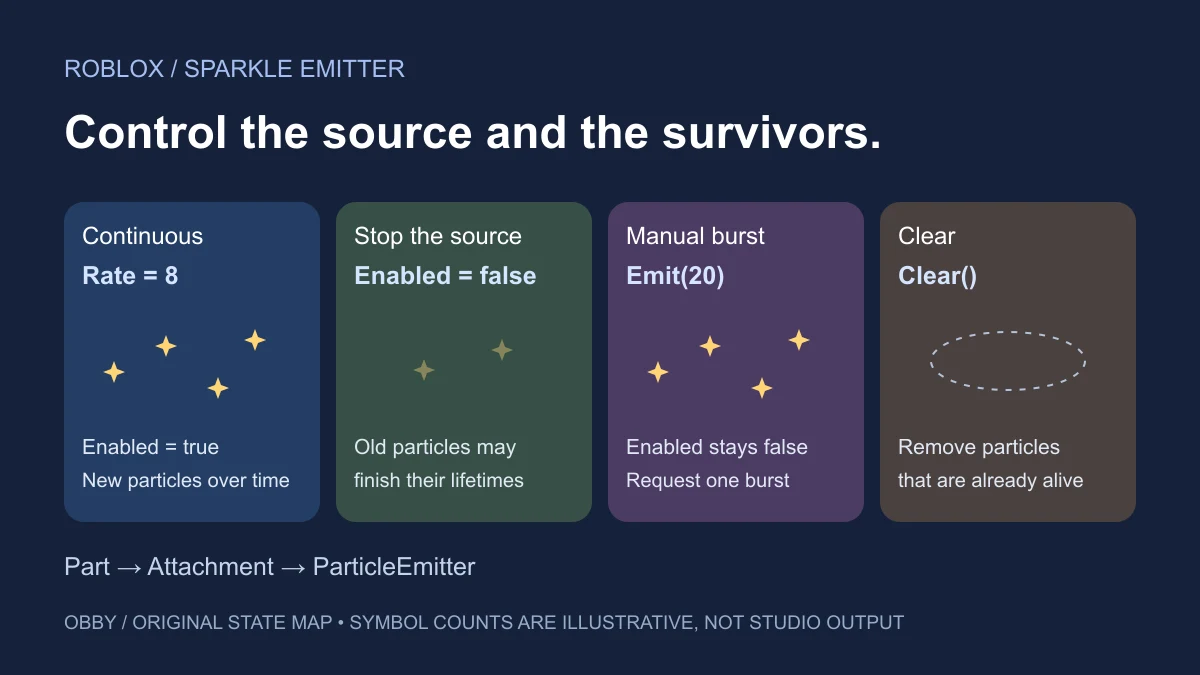
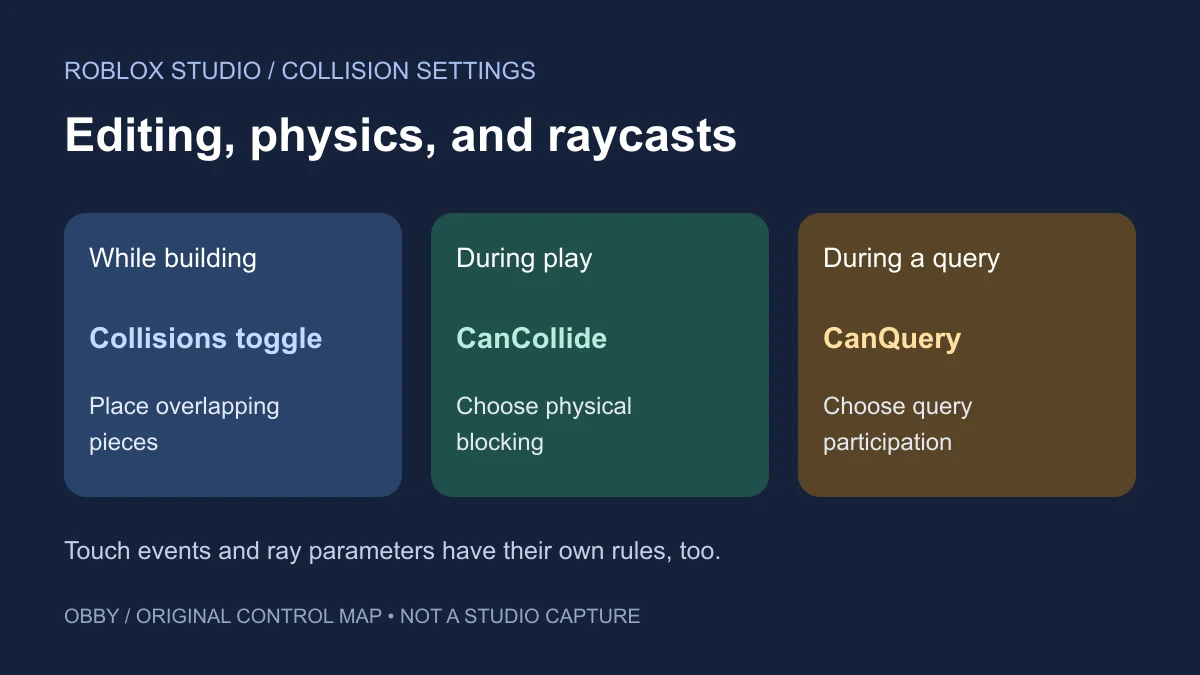
A debounce prevents repeated events from running an action too often. In Roblox, a touch can produce several callbacks as different body parts make contact. Decide which action you are limiting, who shares its limit, and when that limit ends before adding a Boolean named debounce.
What debounce means in Roblox
Roblox’s debounce patterns guide explains the technique as a way to prevent repeated triggers. Its touch example shows why physical contact may invoke a callback several times close together.
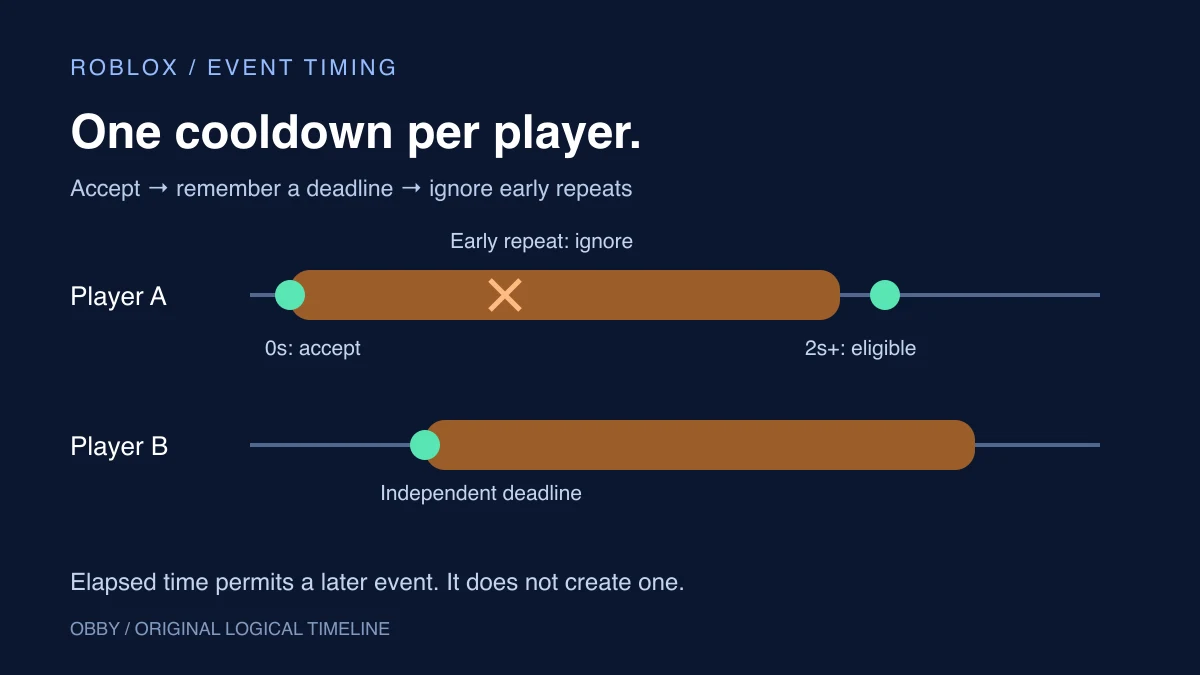
In this guide, the first eligible touch runs immediately. Further touches from that player are ignored until two seconds have elapsed. Ignored events are discarded rather than queued. This is a cooldown pattern, sometimes called a leading-edge throttle; it does not wait for a quiet period and then run the last event.
Choose the scope before choosing the variable
| Scope | State to track | Example intention |
|---|---|---|
| One shared object | One flag or deadline | A door cannot begin a second opening animation |
| Each player on one pad | Deadline indexed by Player | One player’s repeated contacts should not block another |
| Each player and each action | Separate action deadlines per Player | Two independent abilities have different cooldowns |
| Work in progress | A busy flag until completion | A second request must wait until current work finishes |
A two-second cooldown does not prove that an earlier operation has finished. A busy lock does not automatically impose a minimum gap after it finishes. Keep those requirements separate when an action yields or calls another service.
Try a complete per-player touch cooldown
Open a separate practice place, insert a regular Script in ServerScriptService, and paste the code. Start a play test with Output visible. The script creates a blue anchored pad at position 0, 1, 0; move your character to it, or change the position to a clear area beside your spawn before testing.
local Players = game:GetService("Players")
local COOLDOWN = 2
local nextAllowed = {}
local acceptedCounts = {}

local pad = Instance.new("Part")
pad.Name = "DebouncePracticePad"
pad.Size = Vector3.new(12, 1, 12)
pad.Position = Vector3.new(0, 1, 0)
pad.Anchored = true
pad.CanCollide = true
pad.CanTouch = true
pad.Color = Color3.fromRGB(13, 78, 241)
pad.Parent = workspace

local function onTouched(hit)
    local character = hit.Parent
    if not character or not character:IsA("Model") then
        return
    end
    local player = Players:GetPlayerFromCharacter(character)
    if not player then return end
    local humanoid = character:FindFirstChildOfClass("Humanoid")
    if not humanoid or humanoid.Health <= 0 then return end

    local now = os.clock()
    local deadline = nextAllowed[player]
    if deadline and now < deadline then
        return
    end
    -- Commit the next deadline before doing the accepted action.
    nextAllowed[player] = now + COOLDOWN
    acceptedCounts[player] = (acceptedCounts[player] or 0) + 1
    print(player.Name, "accepted touch", acceptedCounts[player])
end

pad.Touched:Connect(onTouched)
Players.PlayerRemoving:Connect(function(player)
    nextAllowed[player] = nil
    acceptedCounts[player] = nil
end)
Each accepted touch prints the player’s name and a session-local count. The pad stays blue; the count is the observable result. This example does not give currency, save progress, damage a character, or provide a production reward system. It has been documentation-reviewed but has not been executed here in Studio.
The hit filter accepts body Parts directly parented to a player’s character Model. It deliberately ignores accessory Handles and non-player objects. If your game uses a different character hierarchy, adapt and test that lookup instead of assuming every parent is a character.
Why the deadline is stored before the action
The callback reads the current time, checks the player’s deadline, and writes the next deadline before printing. There is no yielding operation between those steps. A later eligible callback therefore sees the updated deadline.
Luau’s standard library documents os.clock as a high-precision timestamp suitable for measuring durations. This example compares values from the same running server. Do not save this deadline as a calendar time or compare it with an unrelated client’s clock.
An ignored event does not extend the deadline. For example, accepting a touch at time 10 sets the next deadline to 12; contacts at 10.1 and 11.9 leave that deadline at 12. An eligible callback at 12 or later can run. The cooldown expiring by itself does not call onTouched.
Test repeated contacts and two players separately
- First contact: walk onto the pad and look for an accepted-touch message.
- Rapid re-entry: step off and back on inside two seconds. That player’s count should not increase.
- Later re-entry: wait more than two seconds, then make fresh contact. The next eligible callback should increase the count.
- Two-player test: use a local server with two players. One player’s cooldown should not suppress the other player’s first eligible touch.
- Respawn: verify the new character still maps to the same Player. Counts and deadlines here are keyed to Player and intentionally survive a character respawn.
- Leave: the PlayerRemoving callback clears that player’s table entries. Restart the test to reset the whole practice scene.
Roblox’s collision guide discusses repeated Touched events. Do not expect one callback for an entire character or a periodic callback while standing still. A fresh physical contact and an elapsed deadline are separate conditions.
Common debounce bugs and their fixes
The variable resets on every callback
If you create a fresh debounce variable inside onTouched, each callback starts with fresh state. Store the shared state outside the callback. In this example, the tables are created once when the Script starts.
One player blocks everyone else
A single shared flag describes the whole object. Use a table keyed by Player when each player needs an independent limit. For several pads, decide whether each pad should own a separate table or whether an action should share one cooldown across all pads.
The flag never resets after an error
A Boolean busy flag can remain set if later code fails before resetting it. Keep the protected operation small and define cleanup for failure. The timestamp example has no delayed reset task: time makes a deadline eligible again, while PlayerRemoving removes abandoned entries.
The cooldown ends while an action is still running
Increasing the cooldown to a guessed duration does not establish exclusive access. If completing work is the actual condition, use an explicit busy state and release it when work ends, including its failure path. A deadline and a lock can be combined when both conditions matter.
CanCollide is off but contacts still fire
The BasePart reference distinguishes CanCollide from CanTouch. Disabling physical collision is not a debounce strategy. Check touch settings and collision behavior before debugging the timing rule.
Keep gameplay validation separate from event frequency
A cooldown only limits how frequently this callback accepts an action. It does not establish that an interaction is legitimate. Roblox’s client-server boundary guide covers validating client-triggered server behavior. Define eligibility, proximity, ownership, and reward rules before using any interaction for valuable outcomes.
For the Boolean building block, read true and false in Luau. For intentional interactions, see the ProximityPrompt exercise. Use collision groups to control which objects physically collide, and CollectionService when one controller needs to discover several tagged pads. For scheduling an accepted action, compare task.wait, task.delay, task.spawn, and task.defer. Documentation checked November 8, 2026.