The Rise of AI in Roblox Game Development
Building a Roblox game used to require weeks of learning Roblox Studio, mastering Luau scripting, and manually placing every part and script. In 2026, AI has fundamentally changed how Roblox games are made. A new generation of AI tools can generate complete, playable Roblox games from a simple text description.
This isn't a gimmick. AI-powered Roblox development is now a legitimate workflow used by thousands of creators — from total beginners building their first obby to experienced developers rapid-prototyping new ideas. Here's how it works, what tools are available, and how to get the best results.
How AI Roblox Game Builders Work
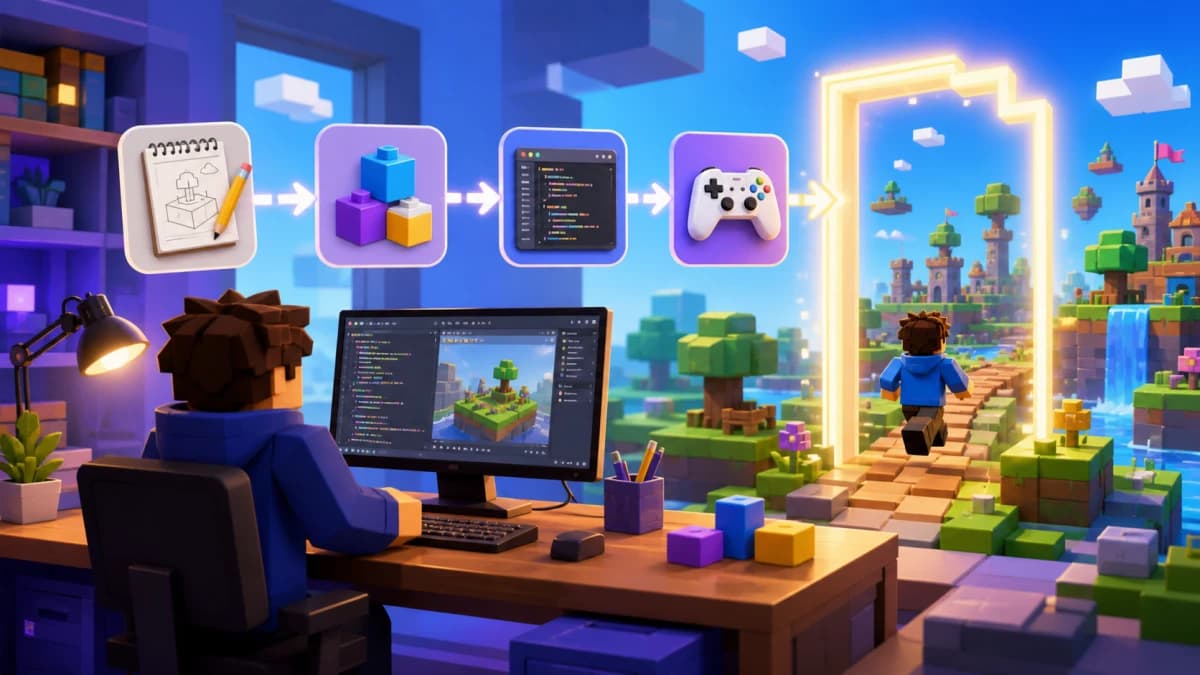
AI game builders for Roblox typically follow this workflow:
- You describe your game — "Make a tower obby with lava floors and a checkpoint system"
- AI generates the game — the tool creates Luau scripts, 3D scene structure, UI elements, and game logic
- You preview and iterate — test the game in-browser or in Studio, then ask the AI to make changes
- You export and publish — download a .rbxlx file, open in Roblox Studio, and publish to millions of players
The best AI tools understand Roblox's unique architecture — client/server separation, Roblox Services, DataStores, and the Luau language. They don't just generate generic code; they produce Roblox-native output that follows platform best practices.
Best AI Tools for Building Roblox Games
Obby — Purpose-Built AI for Roblox
Obby is the leading AI tool specifically designed for building Roblox games. Unlike general AI assistants, Obby understands the full Roblox stack:
- Full game generation — describe your idea and get a complete game with scripts, 3D world, and UI
- Luau-native output — generates proper Roblox Luau code, not generic Lua
- In-browser preview — test your game with real physics before exporting
- Iterative editing — chat with the AI to modify, add features, and refine your game
- One-click export — download a .rbxlx file ready for Roblox Studio
Obby is ideal for creators who want to go from idea to playable game in minutes, not months. Try Obby free and see for yourself.
ChatGPT / Claude — General AI Assistants
General-purpose AI models like ChatGPT and Claude can generate Luau code snippets when prompted correctly. They're useful for:
- Writing individual scripts (leaderboards, game passes, NPC behavior)
- Debugging existing Luau code
- Explaining Roblox concepts and APIs
The limitation: they don't generate complete games. You still need Roblox Studio expertise to assemble scripts, build the 3D world, configure services, and test everything. They're assistants, not builders.
Roblox Assistant (Built-in)
Roblox has integrated AI features directly into Studio. The built-in assistant can help with basic scripting tasks and material generation. It's convenient for quick questions while you're already in Studio, but it's limited in scope — it won't generate full games or complex systems.
What Can AI Build on Roblox?
AI tools in 2026 can handle a wide range of Roblox game types:
- Obbies — obstacle courses with checkpoints, kill bricks, and difficulty progression
- Tycoons — base-building games with income, upgrades, and rebirth systems
- Simulators — pet collecting, mining, fighting — the bread and butter of Roblox
- RPGs — quest systems, inventory, combat, and leveling
- Racing games — vehicle physics, tracks, and leaderboards
- Social/hangout spaces — customizable rooms, chat features, and mini-games
The more specific your description, the better the output. "Make a tycoon" gives basic results. "Make a pizza restaurant tycoon where players unlock cooking stations, hire NPC workers, and compete on a daily earnings leaderboard" gets you something you can actually publish.
Tips for Getting the Best Results from AI
AI is a tool, not magic. Here's how to maximize quality:
- Be specific — include details about gameplay mechanics, theme, and progression
- Iterate — generate a base, test it, then ask the AI to add or fix specific things
- Review the code — even great AI output benefits from a human review, especially for security (server-side validation, anti-exploit measures)
- Combine AI with manual work — use AI for the heavy lifting (scripts, structure) and add your own creative touches (custom assets, UI polish, level design)
- Test thoroughly — always playtest in Roblox Studio before publishing, not just in preview
AI vs. Traditional Roblox Development
Here's an honest comparison:
| Aspect | Traditional | AI-Powered |
|---|---|---|
| Time to first playable game | Days to weeks | Minutes |
| Learning curve | Steep (Studio + Luau) | Low (describe in English) |
| Customization | Unlimited | High (iterate with AI + manual edits) |
| Code quality | Depends on skill | Consistent, follows best practices |
| Unique polish | You control every detail | Needs manual refinement for standout games |
The best approach for most developers: use AI to get 80% of the way there fast, then spend your time on the 20% that makes your game unique — custom assets, game balance, player experience, and monetization strategy.
Getting Started: Build Your First AI Roblox Game
Ready to try it? Here's the fastest path:
- Go to Obby and sign in
- Describe your game — "A space obby with low gravity, asteroids, and a boss fight at the top"
- Preview it in the browser — walk around, test the mechanics
- Iterate — "Add a checkpoint every 3 stages" or "Make the boss shoot fireballs"
- Export to Roblox Studio — download the .rbxlx file
- Publish — open in Studio, add finishing touches, and publish to Roblox
You'll have a playable game in minutes. From there, you can keep refining with AI assistance or dive into manual editing. Either way, you're building real Roblox games — just faster than ever before.