Roblox Build: the short answer
Roblox Build is Roblox's mobile-first AI creation tool. You describe a game in chat, Build generates a playable starting point, and you can test, refine, share, and publish it from the Roblox app. It can create both 2D and 3D games, but Roblox says simpler formats such as clickers, arcade games, and collect-and-score games work best during the early rollout.
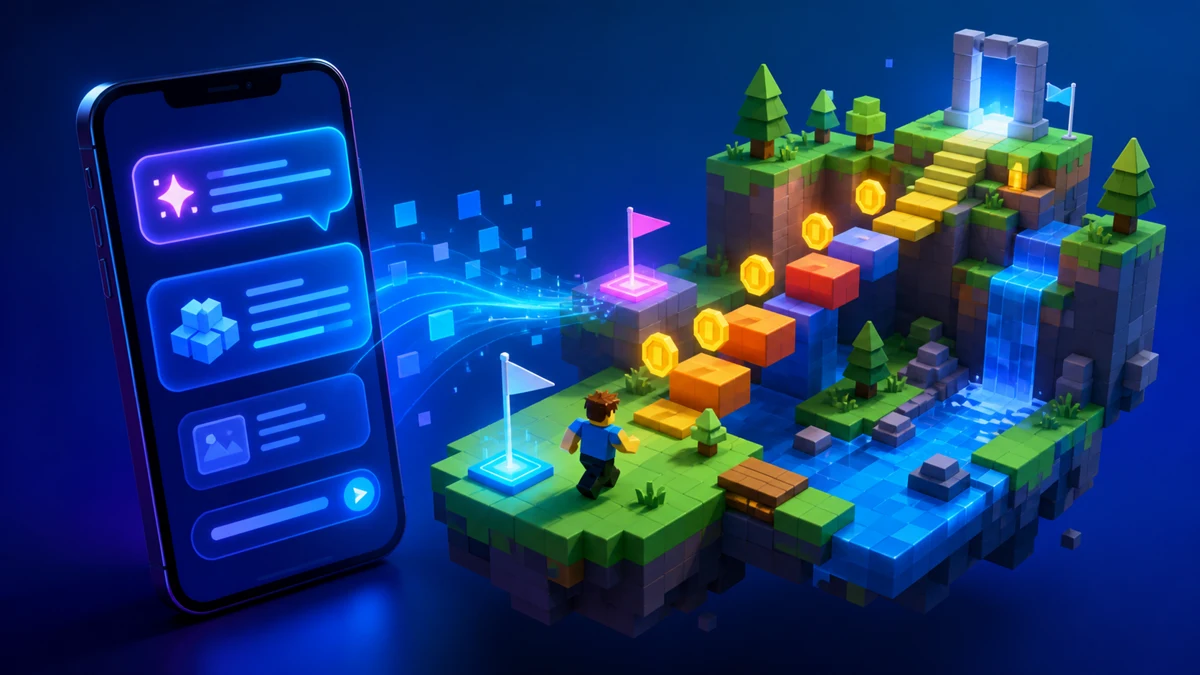
Availability as of August 31, 2026: Roblox says Build is rolling out gradually, with initial testing on Android and iOS mobile devices in New Zealand. Access requires an age-checked account set to age 9 or older in a supported country, and availability varies by country. Check Roblox's official Build support page for the newest rollout details.
Who can use Roblox Build right now?
During the initial alpha, your account and device need to meet all of Roblox's listed requirements:
- You are in a currently supported region.
- You are using the Roblox app on a supported Android or iOS mobile device.
- Your account is set to age 9 or older.
- You have completed Roblox's age check.
- Your Roblox app is up to date.
Availability is changing as Roblox expands the test. Treat any region or device list as a dated snapshot, not a permanent limit.
How to use Roblox Build
- Open the Build tab. In the supported Roblox mobile app, tap Build in the bottom navigation.
- Describe one clear game loop. Start with what players do, what they collect or avoid, and how they win.
- Wait for the first build. Keep the app open while the AI creates the game. If it stops early, Roblox recommends asking it to continue.
- Playtest before adding more. Check whether the goal is obvious, controls work, and the first minute is fun.
- Refine in small steps. Ask for one change at a time: larger coins, slower hazards, a clearer goal, or another level.
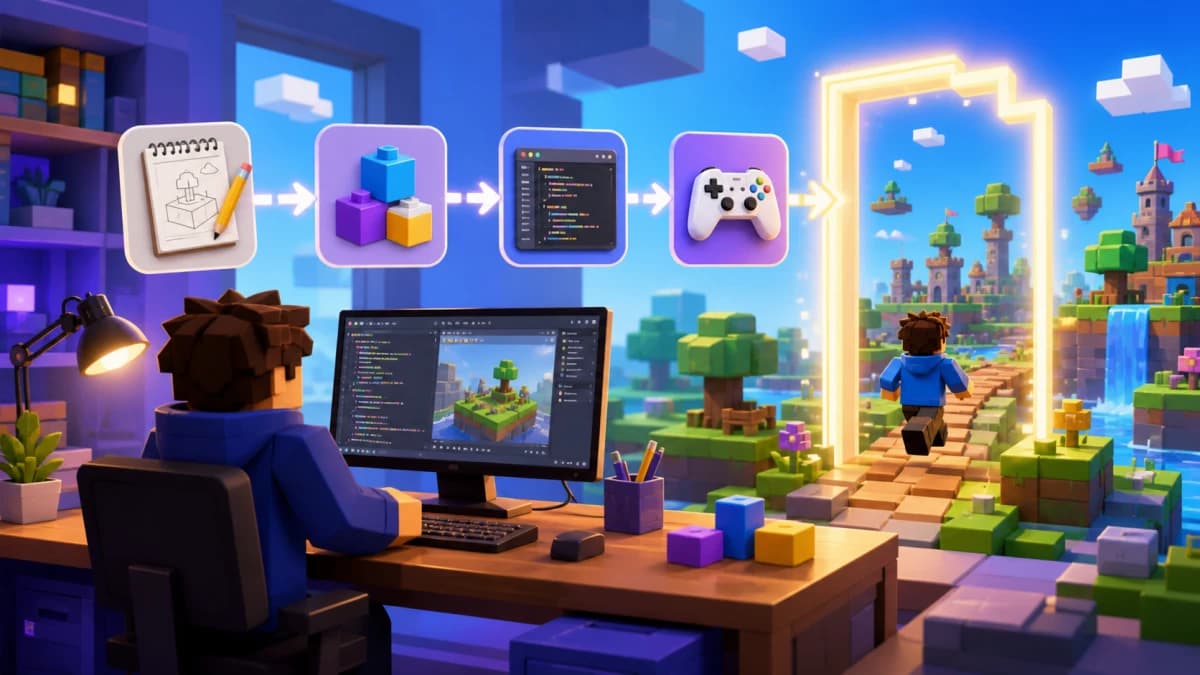
- Share or publish. Create a private playtest link first, collect feedback, then publish when the loop works.
Need a stronger starting prompt? Use the templates in our Roblox Build prompts guide.
What can Roblox Build make?
Roblox says Build handles gameplay mechanics, environments, characters, visual style, and sound through a collection of AI models. Its current support article says it can create 2D and 3D games. Early tools are best viewed as a fast way to explore and test a focused idea, not a substitute for deliberate game design.
Good first projects have a loop that can be explained in one sentence:
- Collect ten crystals while avoiding moving hazards.
- Tap to earn energy, then buy three speed upgrades.
- Finish a short obby and beat your best time.
- Survive waves for two minutes and unlock a stronger tool.
Is Roblox Build free?
Roblox says Build is free to start and gives users a daily AI allowance. Messages and requested changes use that allowance; playtesting does not. When the daily allowance runs out, users can wait for it to reset or buy additional usage with Robux. Roblox notes that pricing and limits may change while the feature develops, so check the amount shown inside the app before spending.
How publishing and age ratings work
A Build game can be published from the app after a safety check. Published Build games are available by default to players aged 16 and older worldwide, with some regional exceptions. Qualifying games can apply through Roblox Select for players aged 9–15 after a content review, but Build games cannot be made available to Roblox Kids aged 5–8.
Build games receive an automatic Moderate rating while edits stay inside Build. You can open a Build project in Roblox Studio, but Roblox says changing it beyond prompting, such as adding custom code in Studio, removes that automatic Moderate rating. Studio still gives experienced creators much deeper control, so decide whether that tradeoff matters before moving the project.
Roblox Build vs Roblox Studio vs Obby
| Tool | Best for | Current workflow |
|---|---|---|
| Roblox Build | Quick mobile experiments in supported regions | Prompt, playtest, refine, and publish inside the Roblox app |
| Roblox Studio | Full control, advanced systems, detailed editing, and team development | Desktop editor for building, scripting, testing, and publishing |
| Obby | Browser-based prompt-to-project creation with an editable Studio export | Describe and preview a game in the browser, then export it to continue in Studio |
The right choice depends on your device and what you want to own at the end. Build is the simplest official mobile path where it is available. Studio has the deepest control. Obby is useful when Build is unavailable to you or when you want a browser workflow that ends with a standard Roblox Studio project.
Why is the Roblox Build tab not showing?
Work through these checks in order:
- Confirm your country is in the current rollout.
- Confirm that Build supports your device and operating system.
- Update and fully restart the Roblox app.
- Check that your account age is 9 or older.
- Complete the age check in account settings.
If every requirement is satisfied and the tab is still missing, the rollout may not have reached your account yet. There is no safe setting or download that can force access. Avoid unofficial APKs or extensions claiming to unlock it.
What to use while you wait
You do not need to pause your game idea until Build reaches your region. Start with a browser-based Roblox Build alternative, or use Roblox Studio on Windows or macOS. With Obby's AI Roblox game builder, you can describe a game, preview the first loop, export a Roblox project, and continue refining it in Studio.