What Is an AI Roblox Game Builder?
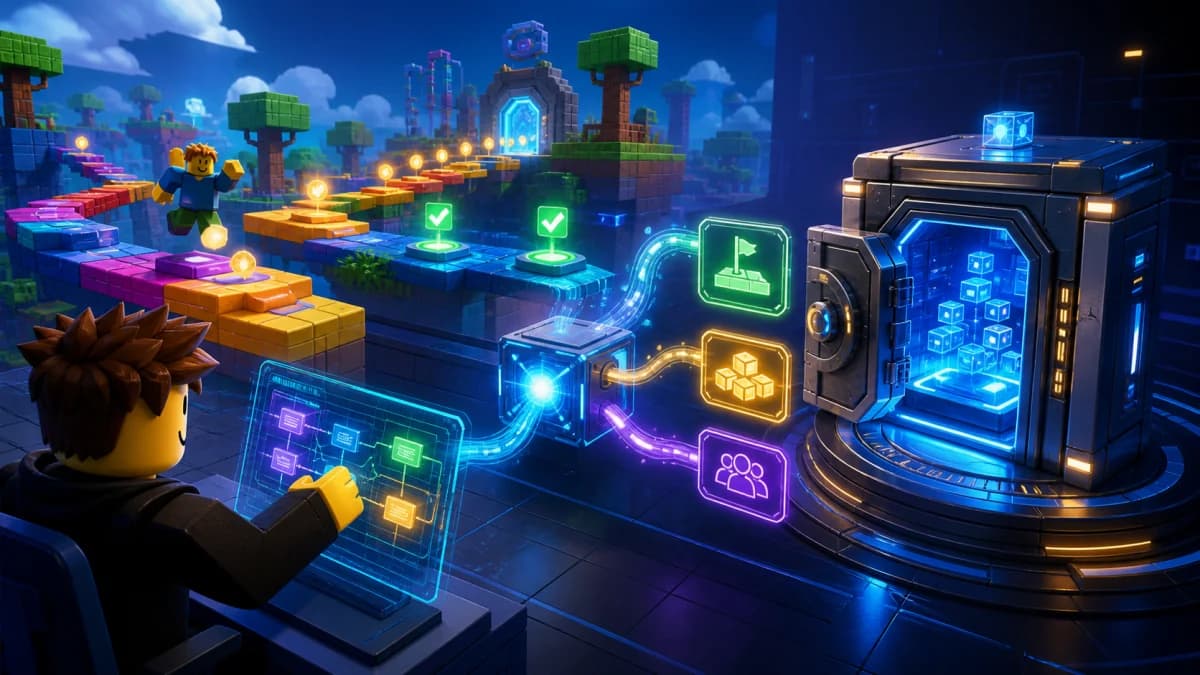
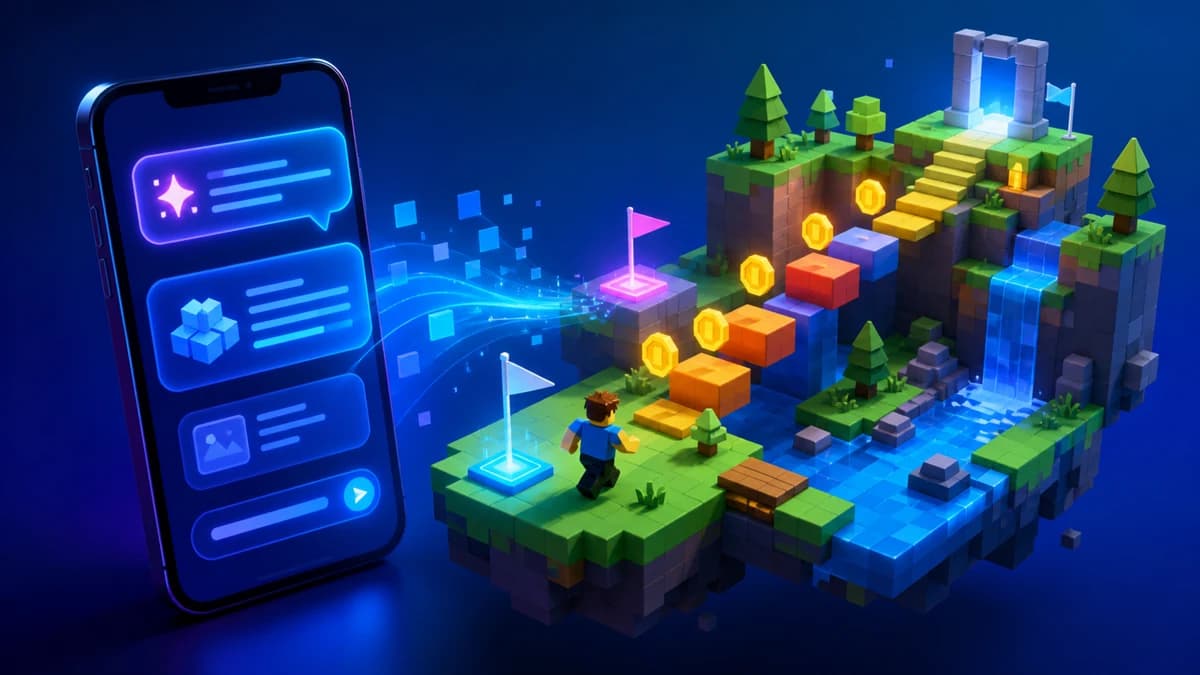
An AI Roblox game builder turns a plain-English prompt into a playable Roblox game. Instead of opening Roblox Studio, placing every part by hand, writing Luau scripts, and connecting UI manually, you describe the game you want and the AI builds the first working version for you.
The best AI Roblox game builders do more than produce a pretty map. They generate the world, scripts, UI, game loop, save system, and monetization hooks together. That is what separates a real no code Roblox game maker from a chatbot that writes disconnected snippets.
The No-Code Roblox Game Builder Workflow
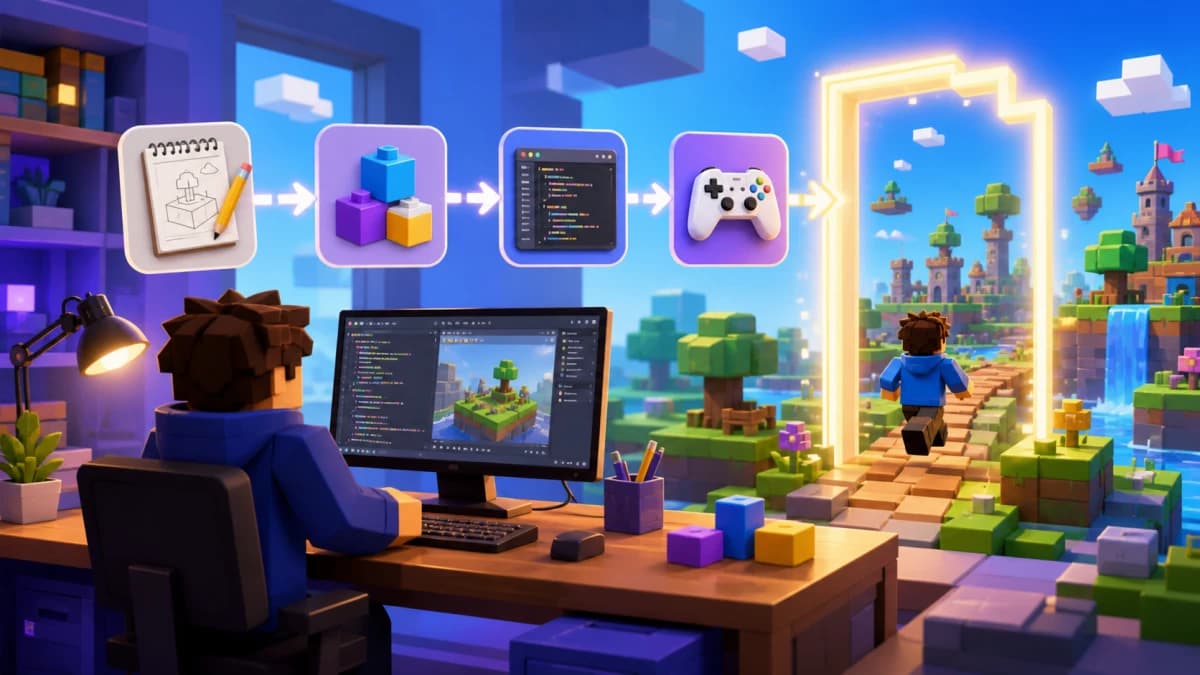
- Describe the game. Include genre, theme, win condition, progression, and monetization. "A 12-stage lava obby with coins, checkpoints, and a skip-stage game pass" is much better than "make a fun obby."
- Play the browser preview. Test the loop immediately. Do the jumps work? Does the shop open? Does the leaderboard update?
- Iterate in chat. Ask for targeted changes: "make stage 4 easier," "add 2x coins as a game pass," "add a daily reward chest."
- Export to Roblox Studio. A proper builder gives you a real project file so you can publish and continue editing.
- Publish and improve. Use player data, retention, and purchase behavior to decide what to add next.
Prompt Formula That Produces Better Games
Use this structure:
"Build a [genre] where players [core action], earn [currency/progress], unlock [progression], and monetize with [game passes/developer products]. The theme is [visual theme]. Include [specific systems]."
Example:
"Build a candy pet simulator where players collect candy coins, hatch pets from eggs, unlock new candy zones, save pet inventory, and monetize with 2x Coins, VIP Pet, and Auto Collect game passes."
Best Game Types for an AI Roblox Game Builder
- Obbies: stages, checkpoints, kill bricks, skip-stage purchases, speed boosts.
- Tycoons: droppers, buttons, conveyors, rebirths, VIP perks.
- Simulators: collect, sell, upgrade, unlock zones, hatch pets.
- Tower defense: waves, towers, upgrades, premium towers.
- Horror games: objectives, keys, doors, chase logic, atmosphere.
- Battlegrounds: arenas, abilities, cooldowns, rounds, leaderboards.
AI Game Builder vs AI Script Generator
| Need | AI script generator | AI Roblox game builder |
|---|---|---|
| One Luau script | Good fit | Can do it, but bigger than needed |
| Complete game from an idea | Poor fit | Best fit |
| Connected UI, DataStore, purchases | Manual integration required | Generated together |
| No-code workflow | Not really | Yes |
| Export to Studio | No | Yes, with the right builder |
What to Check Before Publishing
AI can build the first version fast, but you still own the published result. Before shipping, check these five things in Roblox Studio:
- Purchase logic runs on the server, not just in a LocalScript.
- DataStore saves and loads values that matter: coins, inventory, rebirths, game state.
- Jump distances and combat numbers are fun, not just technically possible.
- Game passes and developer products grant the right reward once purchase completes.
- The game has a clear first-session goal within the first 30 seconds.
Build Your First AI Roblox Game
If you want the fastest path from idea to playable Roblox game, use an AI builder for the scaffold and Studio for final polish. Try Obby free: describe your game, preview it in the browser, and export to Roblox Studio. If your next bottleneck is money systems, continue with our Roblox shop system generator guide.