Your Icon Is Your Game's First Impression
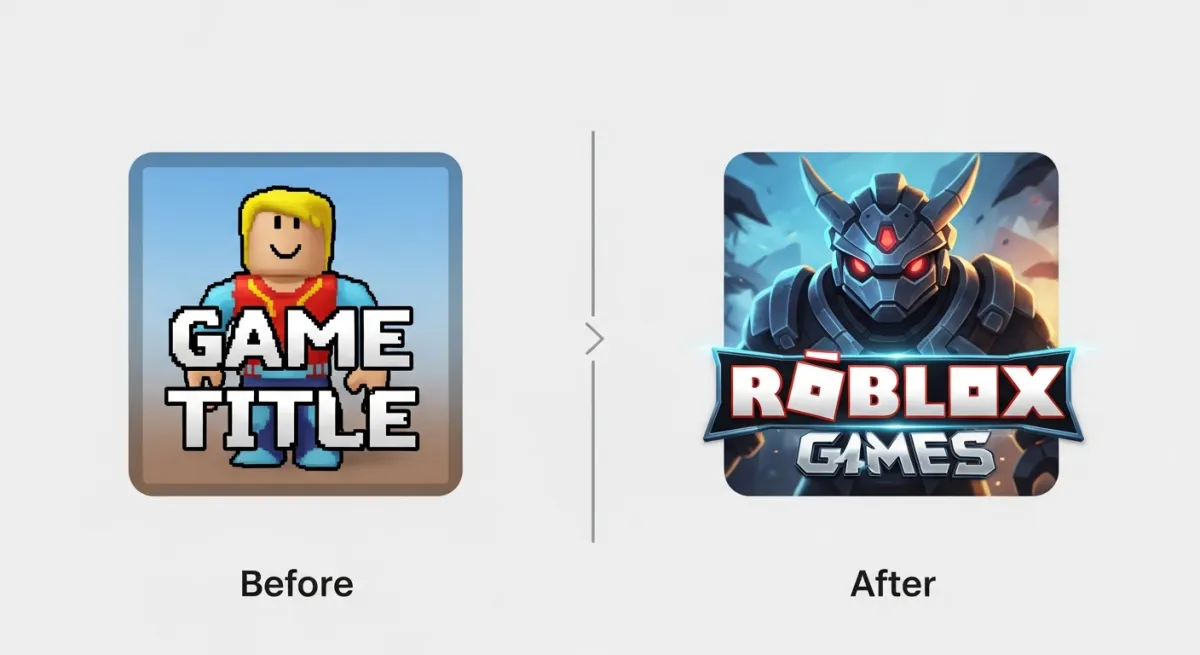
On Roblox, players decide whether to click your game based on one thing: the game icon. A professional icon can double or triple your click-through rate. A bad one means nobody plays, no matter how good your game is.
Roblox Image Size Requirements
| Asset | Size | Format | Notes |
|---|---|---|---|
| Game Icon | 512x512 px | PNG/JPG | Shows in search, home page, game page |
| Thumbnail | 1920x1080 px | PNG/JPG | Up to 10, first one shows in search |
| Game Pass Icon | 150x150 px | PNG/JPG | Shows in the game pass shop |
| Badge Icon | 150x150 px | PNG/JPG | Player achievement badges |
Free Tools for Creating Game Icons
1. Canva (Best for Beginners)
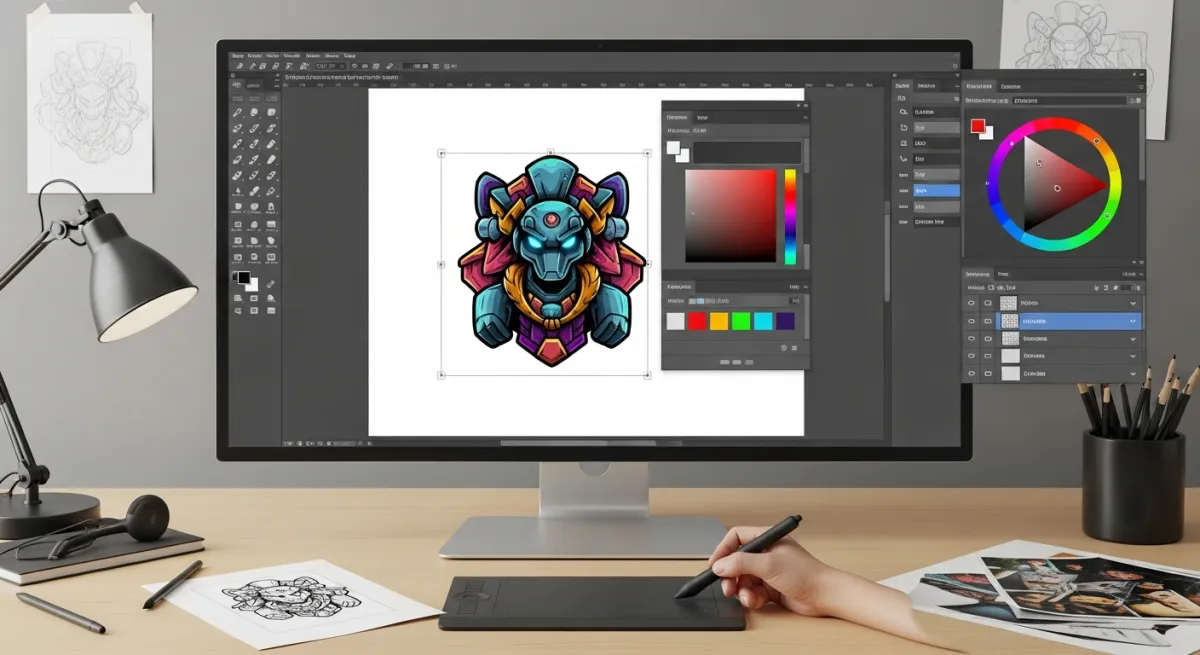
Free online design tool with templates. Set a custom size to 512x512, drag in Roblox-related graphics, add text, and export. Canva's template library has thousands of gaming-related designs you can customize.
2. Figma (Best for Quality)
Professional design tool that's free for personal use. More powerful than Canva — layers, effects, precise control. Higher learning curve but produces better results.
3. GIMP (Best Free Desktop Tool)
Free Photoshop alternative. Full-featured image editor that can handle any icon design task. Available for Windows, Mac, and Linux.
4. Pixlr (Quick Browser Editor)
Browser-based photo editor. Good for quick edits and simple icon designs without installing anything.
5. AI Image Generators
Tools like Google's Imagen or Midjourney can generate game icon concepts from text prompts. Describe your game's visual style and get AI-generated artwork to use as a starting point.
Design Tips for Game Icons That Get Clicks
Do:
- Use bright, saturated colors — they stand out in the Roblox feed
- Include your game name in large, bold text
- Show the main character or feature — give players a preview
- Keep it simple — icons are small, detail gets lost
- Use high contrast — dark text on light background or vice versa
- Test at small sizes — zoom out to see how it looks at 64x64
Don't:
- Use dark backgrounds — they blend into Roblox's dark theme
- Cram too much in — one focal point, not five
- Use tiny text — if players can't read it at icon size, remove it
- Copy other games' icons — it looks cheap and confuses players
Creating Game Thumbnails
Thumbnails are 1920x1080 (16:9 widescreen). Best practices:
- Show gameplay — actual in-game screenshots or rendered scenes
- Add text overlays — "NEW UPDATE", feature callouts, etc.
- Use the first thumbnail wisely — it shows in search results
- Create multiple — show different aspects of your game
Game Pass Icons
Game pass icons are small (150x150) so keep them extremely simple:
- One clear image representing the pass (speed boost = lightning bolt, VIP = crown)
- Bold border or background color to distinguish from other passes
- Text is usually too small to read — use symbols instead
Generate Everything with AI
Don't want to design icons manually? Obby generates complete Roblox games with AI — and you can use AI image generators for icons too. Focus on making the game, not pixel-pushing. Start free.