Your Thumbnail is Your Game's First Impression
On Roblox, players scroll through hundreds of games. Your thumbnail is the single biggest factor in whether someone clicks on your game or scrolls past it.
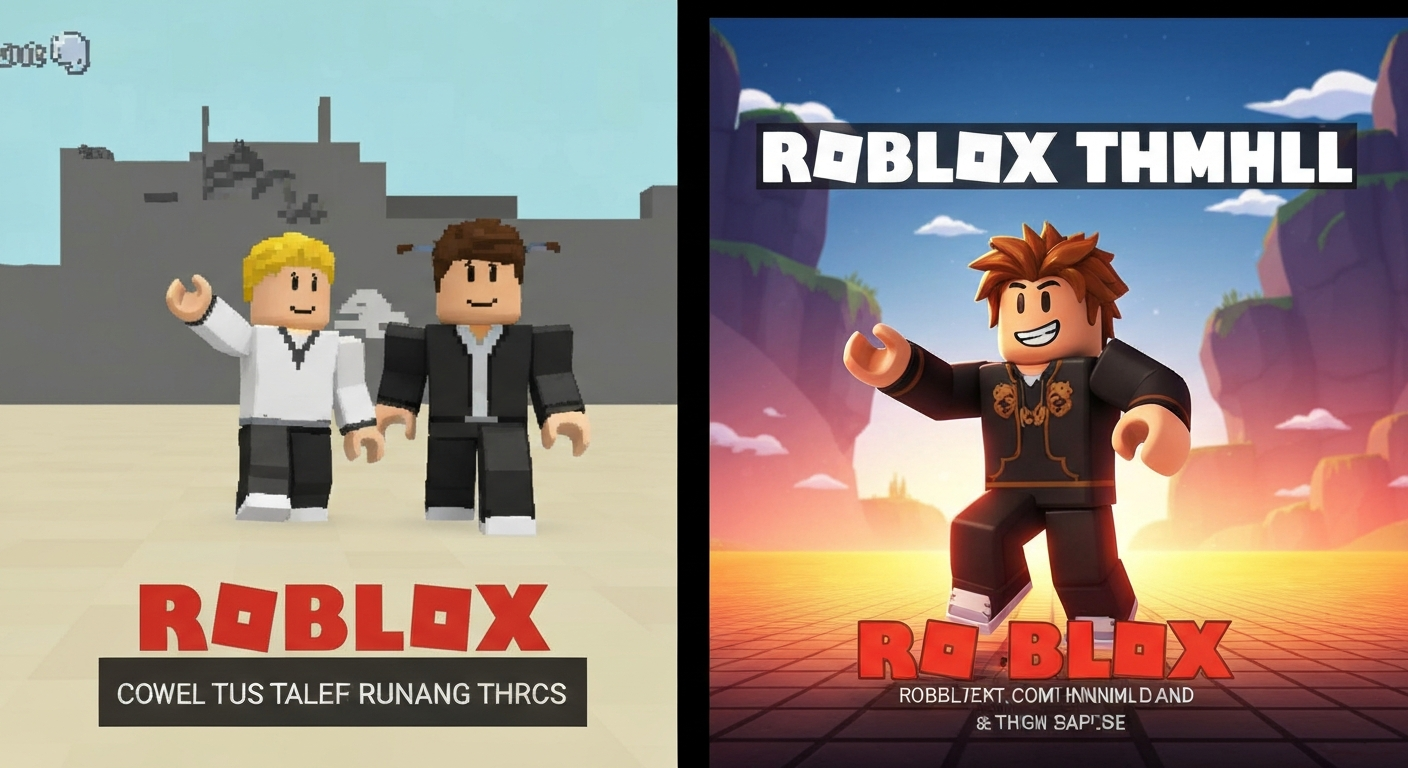
What Makes a Great Thumbnail
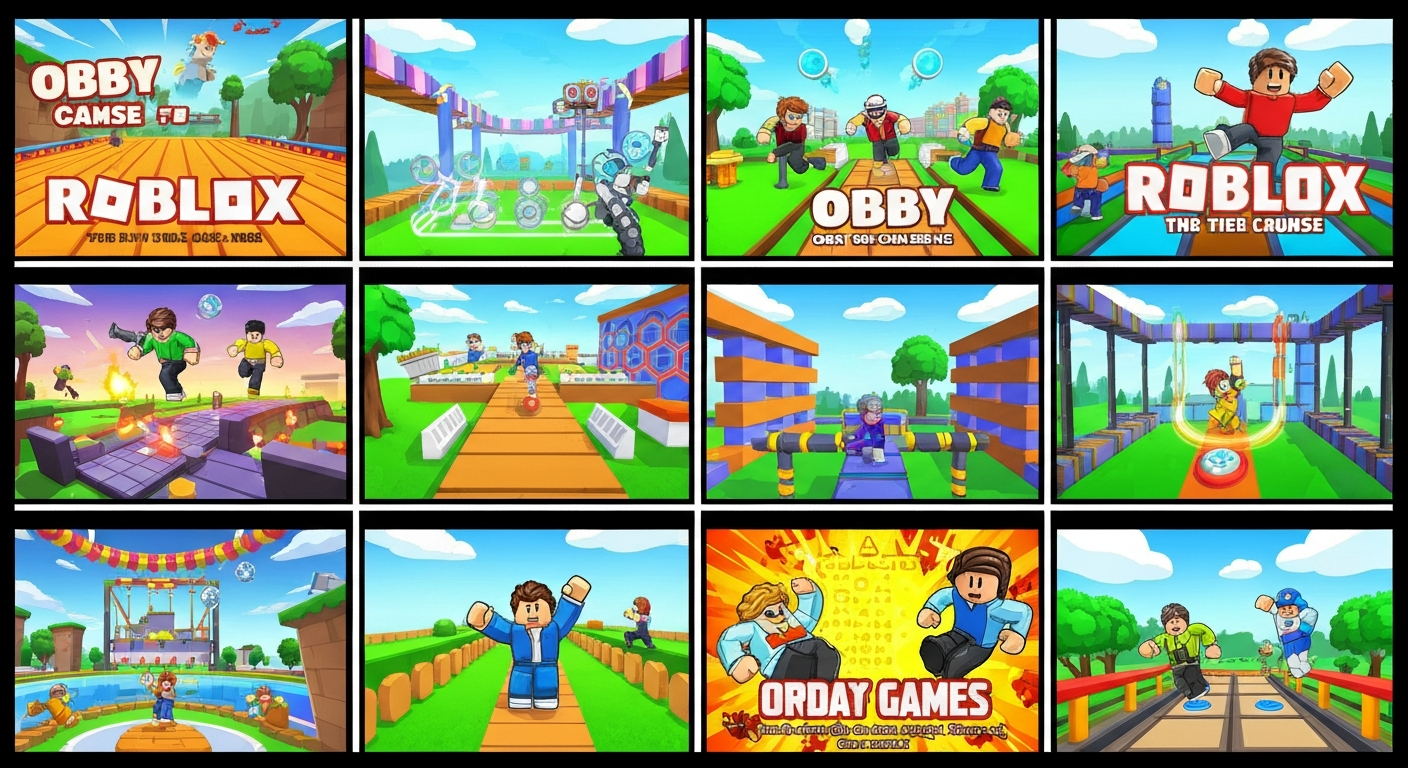
- Bright, contrasting colors: Stand out from the sea of dark thumbnails
- Clear focal point: One main character or scene, not cluttered
- Readable text (minimal): Game name in large, bold font. No paragraphs
- Action/emotion: Characters reacting, jumping, or in danger
- Show the game type: Obby platforms, tycoon buildings, simulator pets
Obby Thumbnail Tips
- Show a character mid-jump between platforms
- Use bright rainbow or neon colors for the platforms
- Add danger elements (lava, spikes) for excitement
- Include "OBBY" in the title text
- Show the difficulty level: "IMPOSSIBLE" or "EASY" attracts different audiences
Tools for Making Thumbnails
- Canva: Free, easy drag-and-drop design. Great templates
- Photoshop / GIMP: More control for experienced designers
- Roblox Studio screenshots: Set up a scene, take a high-quality screenshot
- AI image generators: Use AI to create unique character poses and backgrounds
- Obby's AI: Obby includes thumbnail generation tools
Size Requirements
- Game icon: 512x512 pixels (shown in search results)
- Game thumbnail: 1920x1080 pixels (shown on game page)
- Keep important elements in the center — edges may be cropped on mobile