Give the right person access to the right project
For a user-owned game, open it in Studio, choose Collaborate, find your Roblox friend, select Edit, and save the settings. Edit includes Play access. Group-owned games use group-role permissions. Check Roblox’s collaboration documentation for the current ownership-specific workflow.
Begin with a small practice place. Before anyone changes a large shared project, confirm that both people see the same place and agree on the task. If you are still deciding what to build, plan a small obby layout and use it as a bounded collaboration exercise.
Edit permission does not guarantee session eligibility
Roblox’s current rules require an age check for collaborating with others, including the group or game owner. Age-group compatibility, trusted-friend status, and parental permissions can affect access. Solo Team Create does not require this age check. Review the official eligibility section; do not change account details to bypass a blocked session.
When a teammate cannot join, record the exact message and verify the account, game owner, and intended role. Keep permission problems separate from a project failing to open. Ask the owner to review access; do not exchange passwords as a workaround.
Try this two-person exercise
Choose an eight-platform course with one spawn and one finish. Give the builder ownership of geometry and the scripter ownership of the finish behavior. Agree that neither person renames the other’s objects without announcing the change. The goal is a complete run, not a large feature set.
- Write the expected object names before editing.
- The builder places anchored platforms and marks the finish clearly.
- The scripter describes the expected finish behavior and where its script belongs.
- Each person explains their change to the other before testing.
- Run together, deliberately fail, restart, and check the finish again.
- Record the working version and the remaining defects.
This exercise reveals coordination problems early. If a script expects FinishPart but the builder calls it EndZone, resolve the naming contract before adding rewards, purchases, or saving.
Choose live scripting or drafts deliberately
Studio supports real-time live scripting and independent Drafts mode. Drafts let a creator test script changes before committing them to the shared project. Switching that mode requires collaborators to leave the session. Follow the current scripting instructions.
Use a shared editing session when you are explaining a short change together. Use an explicit handoff when one person needs uninterrupted work. Whichever approach you choose, name the reviewer and the acceptance check. “The script looks fine” is less useful than “both players can finish, and only the finishing player receives the result.”
Test the team’s committed behavior
Roblox’s testing guide describes Team Test: one collaborator starts the session and others join from their Studio sessions. Only one team test can run at once; End Session closes it for testers.
Use this original test plan for the practice course:
| Scenario | Expected observation |
|---|---|
| Both players spawn | Each can identify the first platform without coaching. |
| One player falls | The other player’s progress is unaffected. |
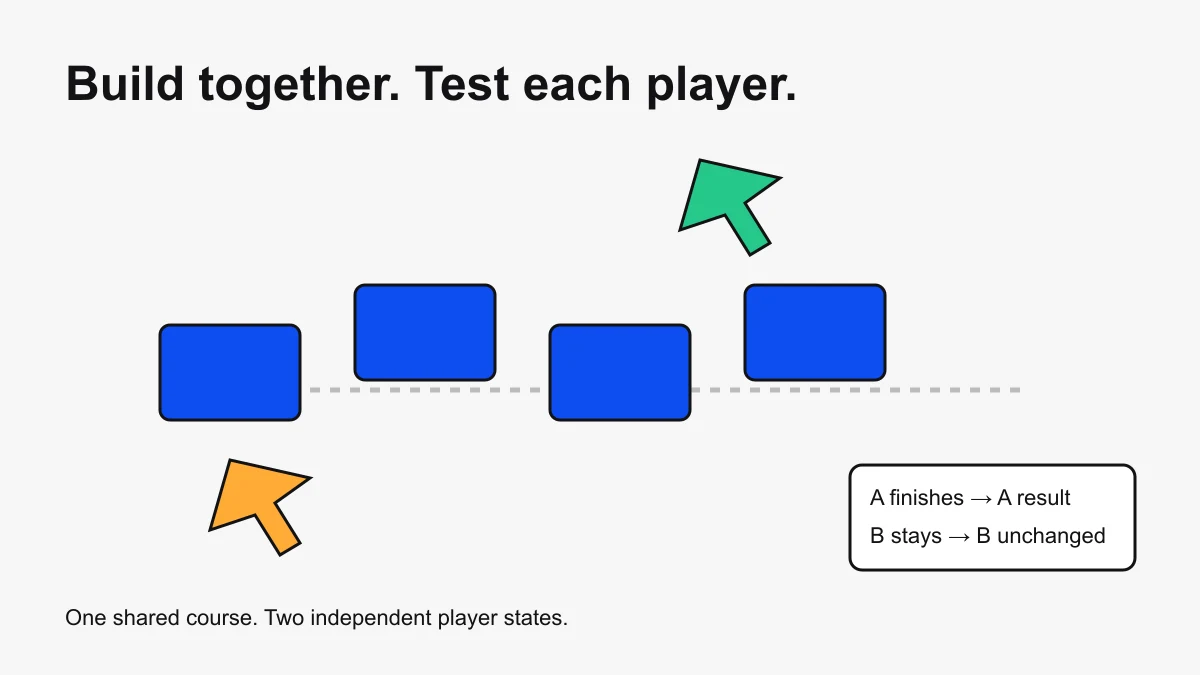
| Only one player finishes | The finish result applies to that player. |
| Repeat a finish | The intended repeat behavior is consistent. |
| Reset a character | The course remains playable after recovery. |
Make a handoff someone can act on
Send an object path, the intended behavior, the steps to reproduce a defect, and the expected result. For example: “Workspace.Course.FinishPart: player A reaches it while B stays at spawn. A should see the finish message; B should not. Currently both see it.” That note gives the next person a reproducible task.
Keep one owner for each pending task. If two people investigate the same defect independently, announce it before either replaces a working fix. Small teams benefit from a short task list more than a complicated process nobody updates.
Coordinate recovery and release
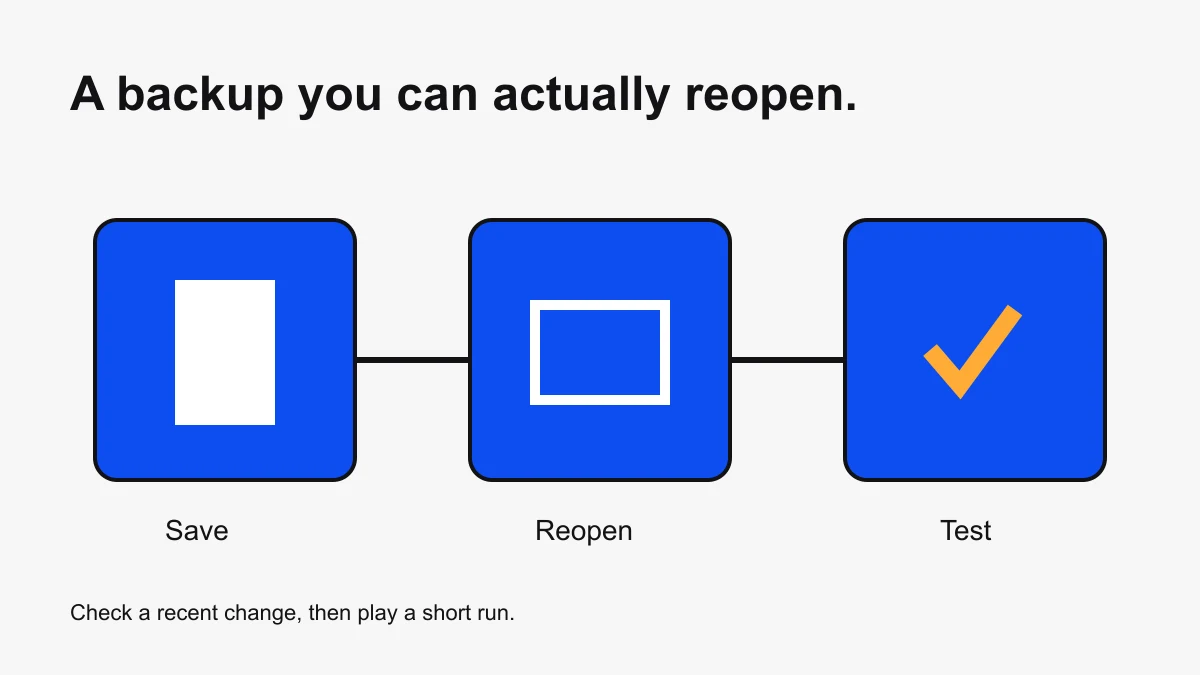
First save and reopen a local project copy so you know which work you can recover.
Before restoring a version, pause editing and agree which work must be preserved. Record the version you intend to restore and why. After recovery, repeat the affected acceptance checks. Treat a saved editing session and a public release as separate milestones.
Continue with the publishing guide and the development roadmap. Obby’s browser prototype workflow is separate from Roblox Studio’s Team Create system.
Platform workflow and eligibility sources checked October 6, 2026. Recheck Roblox’s collaboration requirements when inviting a new teammate.