The Roblox game development roadmap in one page
A useful Roblox game development roadmap is simple: spend the first 30 days finishing one small core loop, the next 30 making it reliable, and the final 30 publishing it and learning from real players. Do not begin with a giant open world, trading economy, or ten unrelated systems. Finish a small game, then use that evidence to choose the next skill.
If a blank Studio project is slowing you down, start the loop in Obby's browser AI Roblox game builder: describe a 3D obby, watch the playable course appear, test it immediately, and keep editing it in chat. Export only when the prototype is worth finishing in Roblox Studio. If you prefer to build manually from the start, follow the complete Roblox game creation guide.
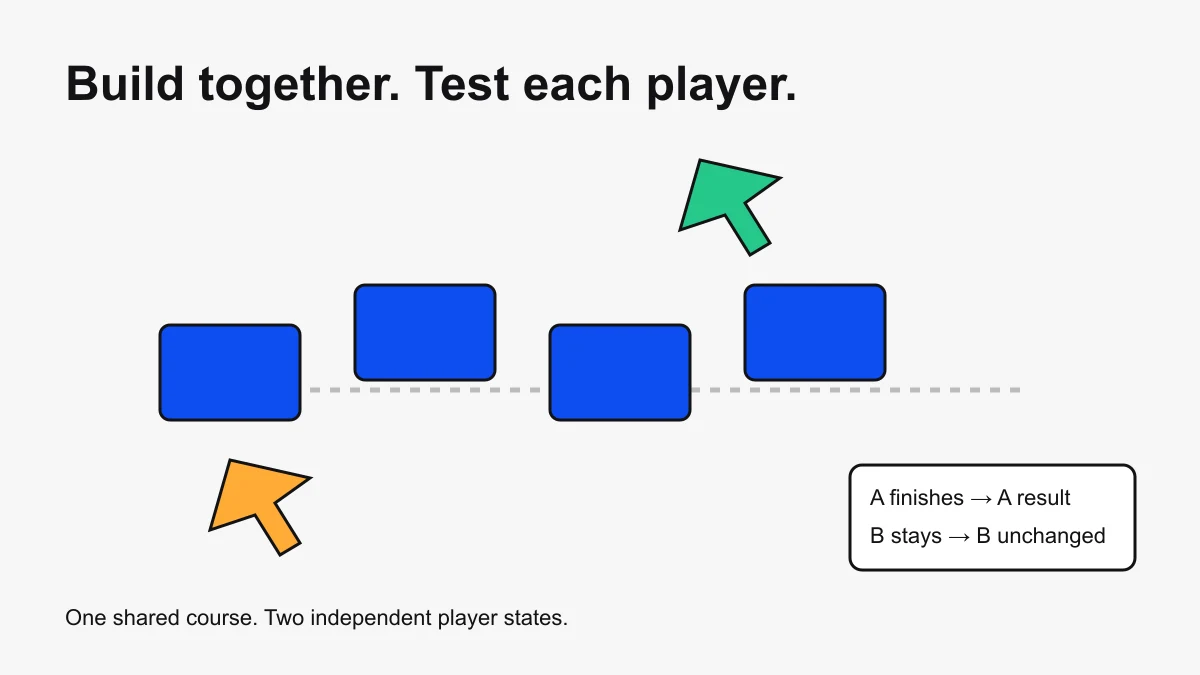
Building with someone else? Follow the Team Create collaboration guide to agree on permissions, task ownership, and two-player acceptance checks.
Your 30, 60, and 90-day milestones
| Period | Outcome | Skills to practice | Proof you are done |
|---|---|---|---|
| Days 1–30 | One complete, playable loop | Studio navigation, parts, properties, basic Luau, checkpoints, playtesting | A new tester can understand the goal, complete the game, fail, and restart without coaching |
| Days 31–60 | A reliable vertical slice | Client/server boundaries, RemoteEvents, UI, save data, performance, device testing | Progress saves, rewards cannot be granted by the client, and the loop works on every supported device |
| Days 61–90 | A measured public release | Publishing, metadata, onboarding, analytics, updates, feedback triage | The experience is published to its intended audience and you can identify its weakest funnel step |
Roblox's official development strategies recommend designing around player goals, prototyping the core mechanic, playtesting throughout development, and publishing a small version before expanding it. That is the backbone of this plan.
Days 1–7: choose one player verb
Write one sentence that begins with “the player repeatedly…” Good first verbs include jump, race, collect, dodge, deliver, defend, or build. A first project needs one clear action, a visible goal, a way to fail, and feedback when the player succeeds.
- Good first scope: a five-stage obby with checkpoints and a finish state.
- Still manageable: a short coin route with a timer and personal best.
- Too large: an open-world RPG with quests, pets, trading, crafting, clans, and procedural combat.
Sketch the loop before making art: spawn → understand goal → act → receive feedback → progress → finish or retry. Use plain blocks until the loop is fun enough to deserve decoration.
Days 8–30: finish the smallest complete game
- Build a gray-box level. Use anchored parts, clear spacing, and one consistent visual language for safe ground, hazards, checkpoints, and the finish.
- Add only essential scripts. Learn variables, functions, events, conditionals, loops, tables, and services as the project needs them. The Roblox Studio scripting tutorial provides the focused Luau path.
- Play after every meaningful change. Test the exact interaction you changed instead of waiting until the end.
- Ask a new player to try it silently. Watch what they do before explaining anything. Confusion is product evidence.
- Write a short bug list. Mark issues as blocks completion, hurts the experience, or optional polish.
Use Studio's testing modes deliberately: normal Play for the player flow, Run when you need simulation without inserting an avatar, and Server & Clients when multiplayer state matters.
Days 31–45: learn the client/server boundary
Roblox experiences are multiplayer systems. LocalScripts run on a player's device; server Scripts own trusted game state. RemoteEvents can connect them, but the server must treat every client request as untrusted.
| System | Client can handle | Server must decide |
|---|---|---|
| Checkpoint | Visual celebration and local sound | Whether the checkpoint was legitimately reached |
| Currency | Display the current balance | How much is earned, spent, or saved |
| Shop | Open UI and request an item | Price, ownership, purchase validation, and reward delivery |
| Combat | Input and responsive effects | Valid target, range, cooldown, damage, and outcome |
Before adding content, try to exploit your own game. Fire remotes with impossible values, spam an action, leave during a save, respawn at the wrong time, and join from a second client. A system is not complete merely because the happy path works once.
Days 46–60: add data, UI, and performance budgets
Add saved progress only after the underlying progression works without it. Design a small versioned data shape, keep DataStore calls on the server, handle failures with pcall, and plan for retries and schema changes. The DataStore script generator guide explains the safe architecture and test matrix.
Then make the state understandable:
- Show the current objective without covering the play area.
- Give immediate feedback for a checkpoint, pickup, purchase, failure, and finish.
- Test touch controls and small screens if you support mobile.
- Use the MicroProfiler and device emulation when a scene becomes heavy.
- Remove unused assets and inspect community models for unwanted scripts.
Days 61–75: publish a controlled first release
Complete the experience details, maturity and compliance information, icon, thumbnails, description, and intended audience. Roblox's experience documentation covers the project model; the current publishing requirements are the source of truth for who can access a release.
Begin with the smallest audience that can provide useful feedback. Keep a release log with the date, what changed, why it changed, and which result you expect. That prevents several simultaneous edits from turning your analytics into guesswork.
Days 76–90: measure one funnel
Instrument a short path such as spawn → first action → first checkpoint → midpoint → finish. Segment new and returning players, compare acquisition sources separately, and inspect device-specific problems. Do not chase raw visits before the first session works.
A practical weekly loop is:
- Find the biggest meaningful drop or error.
- Observe players at that exact moment.
- Make one focused change.
- Test the change before release.
- Compare the same cohort and date window.
- Keep, revise, or revert based on evidence.
Use the Roblox analytics guide to turn Creator Dashboard metrics into a weekly operating routine.
The skill order that prevents wasted work
- Game loop design: make one action understandable and worth repeating.
- Studio fundamentals: Explorer, Properties, parts, pivots, collisions, terrain, and test modes.
- Luau fundamentals: functions, events, tables, modules, services, and debugging.
- Networking and security: server authority, remotes, validation, rate limits, and ownership.
- Persistence: schemas, DataStore failure handling, retries, migrations, and session conflicts.
- UX and accessibility: onboarding, feedback, controls, readability, and device support.
- Analytics and release discipline: funnels, retention, source segmentation, experiments, and rollback.
Art, advanced systems, and monetization matter, but they amplify the loop you already have. They do not replace it.
What to build after day 90
Choose the next milestone from observed behavior. If players fail to understand the first minute, improve onboarding. If they finish once but never return, add meaningful progression or content. If the loop retains players but production is slow, modularize the systems you repeat. If a prototype is clearly weak, archive it and start a smaller second game with everything you learned.
The roadmap is not “learn everything, then ship.” It is ship a small loop, learn from it, and expand only when the evidence earns more scope.