To choose between Roblox fishing games, look at what happens after a bite. Do you want to track a moving bar, click rapidly, or combine catching fish with sailing and larger sea-creature activities? Those differences are more useful than treating every fishing title as the same kind of simulator.
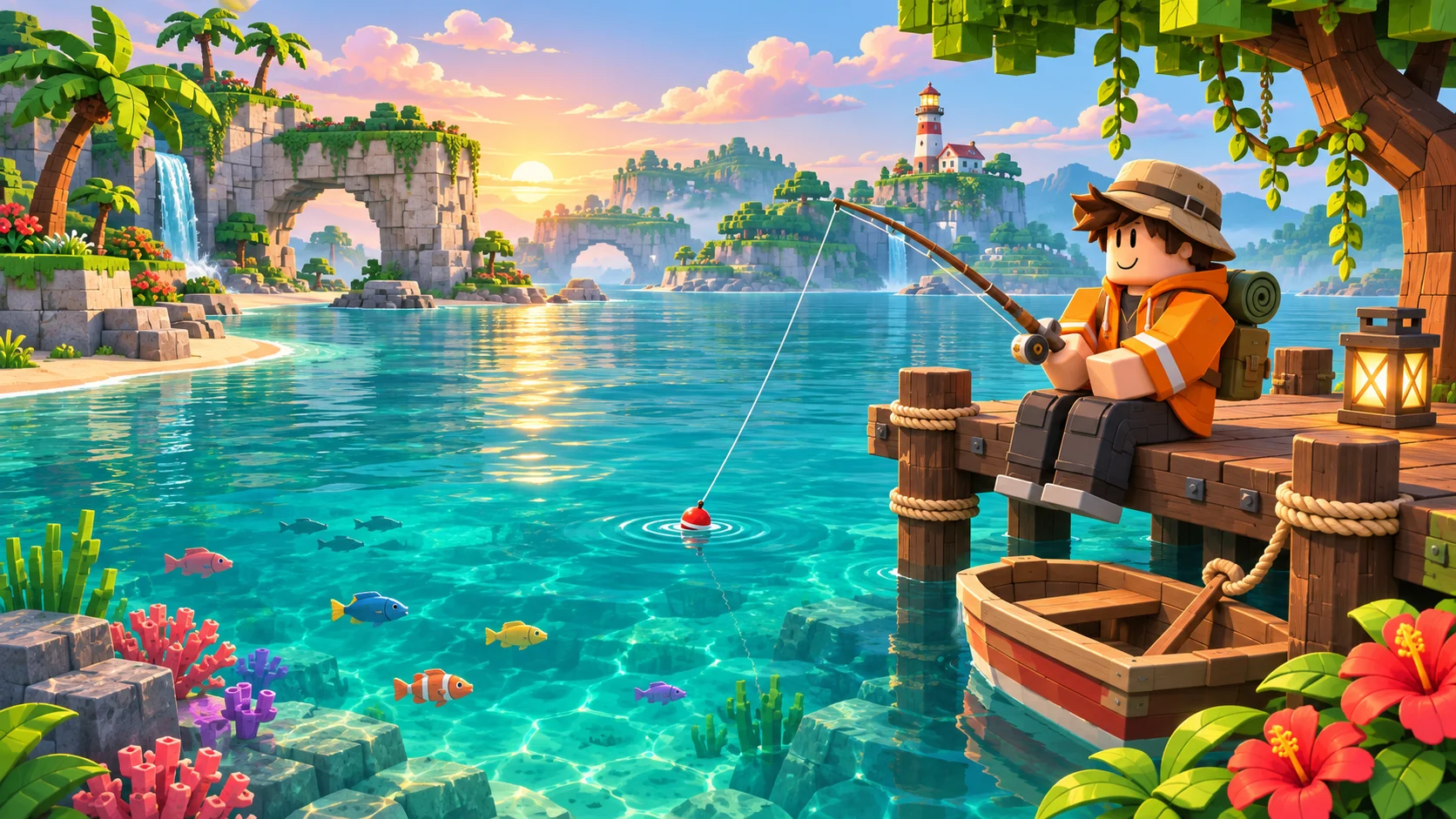
This comparison uses the three experiences’ official Roblox descriptions, checked November 9, 2026. It is a listing-based guide, not a hands-on ranking. Each entry links to the exact experience and identifies its creator.
Pick the catch interaction you want to try
| Experience | Creator | Listing-described interaction | Reason to investigate |
|---|---|---|---|
| Fisch | Fisching | Cast, wait for a bite, then track the catch with a bar | You want a fishing interaction built around following feedback |
| Fish It! | Fish Atelier | Charge a cast, then click rapidly | You want to try a more click-focused catch interaction |
| Fishing Simulator | Cloud Entertainment | Cast and maintain a green-zone reeling interaction | You also want sailing, islands, and sea-creature activities |
These are starting points for a trial session. A short description cannot establish how comfortable an interaction will feel on your particular device. Try the opening tutorial before deciding which loop you want to repeat.
Fisch: start with tracking the catch
The official Fisch listing, by Fisching, emphasizes fishing, exploration, and progression. Its fishing instructions describe holding to cast, waiting for a bite, and moving a white bar to follow a blue line until the catch-progress bar fills.
That gives you a specific question to test: do you enjoy following a changing visual target while the catch develops? Watch which indicator represents your input and which represents the target. Learning that relationship is more useful on a first attempt than assuming a missed fish means you need a different rod immediately.
Give yourself an initial goal of understanding one complete catch. Then decide whether exploring for another place to fish is appealing. The listing’s exploration premise supports that direction, but this guide does not prescribe a current best location, rod, or rare-fish strategy.
Fish It!: try a click-focused catch loop
The Fish It! listing is by Fish Atelier. Its basic instructions describe charging a cast and clicking rapidly; it also describes fishing with friends and sailing to explore. Consider it when that input style and a shared fishing session sound appealing.
Distinguish the casting phase from what you do afterward. If you are unsure what the game expects, finish the opening explanation and observe the feedback from one attempt before changing several things at once. This is a suggested learning approach, not a tested shortcut or a claim that every catch has identical difficulty.
For a group session, agree on whether you want to fish together in one place or spend time exploring. A shared destination can be a clearer plan than comparing collections when everyone has spent a different amount of time playing.
Fishing Simulator: consider the wider sea-adventure loop
The Fishing Simulator listing, by Cloud Entertainment, describes catching fish, improving a rod, sailing between islands, and hunting sea creatures. Its catch instructions describe waiting for a bite and clicking to keep the line in a green zone until progress fills.
Choose this direction if the activities surrounding the catch matter to you as much as the catch interaction itself. On a first session, identify which action moves you toward your next goal: practicing the reeling interaction, finding a destination, or investigating another activity.
Do not turn a creator’s large collection count into a promise about how much you will enjoy the game. A long checklist and a satisfying moment-to-moment interaction are separate qualities. Try the core loop before deciding whether you want to invest in the longer progression.
Use a first-session checklist
- Open the exact experience. Match the creator and place link above rather than choosing a similarly named result.
- Learn the feedback. Identify what a bite looks like and what your input changes during the catch.
- Finish one loop. Understand the result of an attempt before judging long-term progression.
- Choose a next goal. Decide between another catch, exploring, or trying a different activity.
- Compare comfort. Consider whether the input and pace suit your device and the session you want.
You do not need a claim about the universally best game to make this decision. Write down what you enjoyed: the visual feedback, the click interaction, the destination, or sharing the activity with friends. That makes your next choice more specific.
Separate catch skill, collection, and exploration
Fishing games often present several reasons to keep playing, but those reasons can pull in different directions. A player who wants to practice a timing or tracking interaction may judge a session differently from someone who wants to explore with friends or fill a collection.
Ask your group which goal matters today. You can enjoy discovering a location even when someone else catches more fish. Likewise, a collection goal may not be satisfying if the repeated input is uncomfortable. Treat those as useful preferences rather than a competition over which person picked the correct game.
Descriptions and live features can change. Check the current experience page and in-game tutorial for controls, account access, and device-specific behavior.
Find a different kind of Roblox session
If you like choosing a long-term activity but want a different theme, compare the formats in our Roblox simulator-games guide. If the part you enjoy is moving toward a shared destination, the climbing-games comparison separates mountain courses from expedition-style journeys.
Use the activity you actually enjoy as the filter. A simulator label alone does not tell you whether the interesting decision is movement, collection, construction, or an interaction repeated at a fishing spot.
Design one original catch interaction
For your own Roblox prototype, sketch the interaction as a few explicit states: ready, casting, waiting, hooked, and resolved. Define which player action is accepted in each state and what feedback confirms a transition. This is a design exercise, not a complete fishing system.
Start with one test location and an outcome you can inspect. Use the attributes guide for observable object state and the debounce guide to reason about repeated input. The math.random guide explains bounded selection and repeatable generator tests if your prototype needs a random choice.
Keep the interaction, selection rules, and any persistent progress separate while testing. Server validation, saving, multiplayer behavior, and a finished interface still need their own implementation. Build an original mechanic and presentation rather than copying another experience’s map, branding, or assets.