Choose Roblox drawing games by what you want to do with the canvas: finish a picture under time pressure, draw together without a round structure, collaborate on an entry, or arrange pixel art. Speed Draw!, Free Draw, Team Draw!, and Draw! Pixel Art Creator describe different versions of those activities.
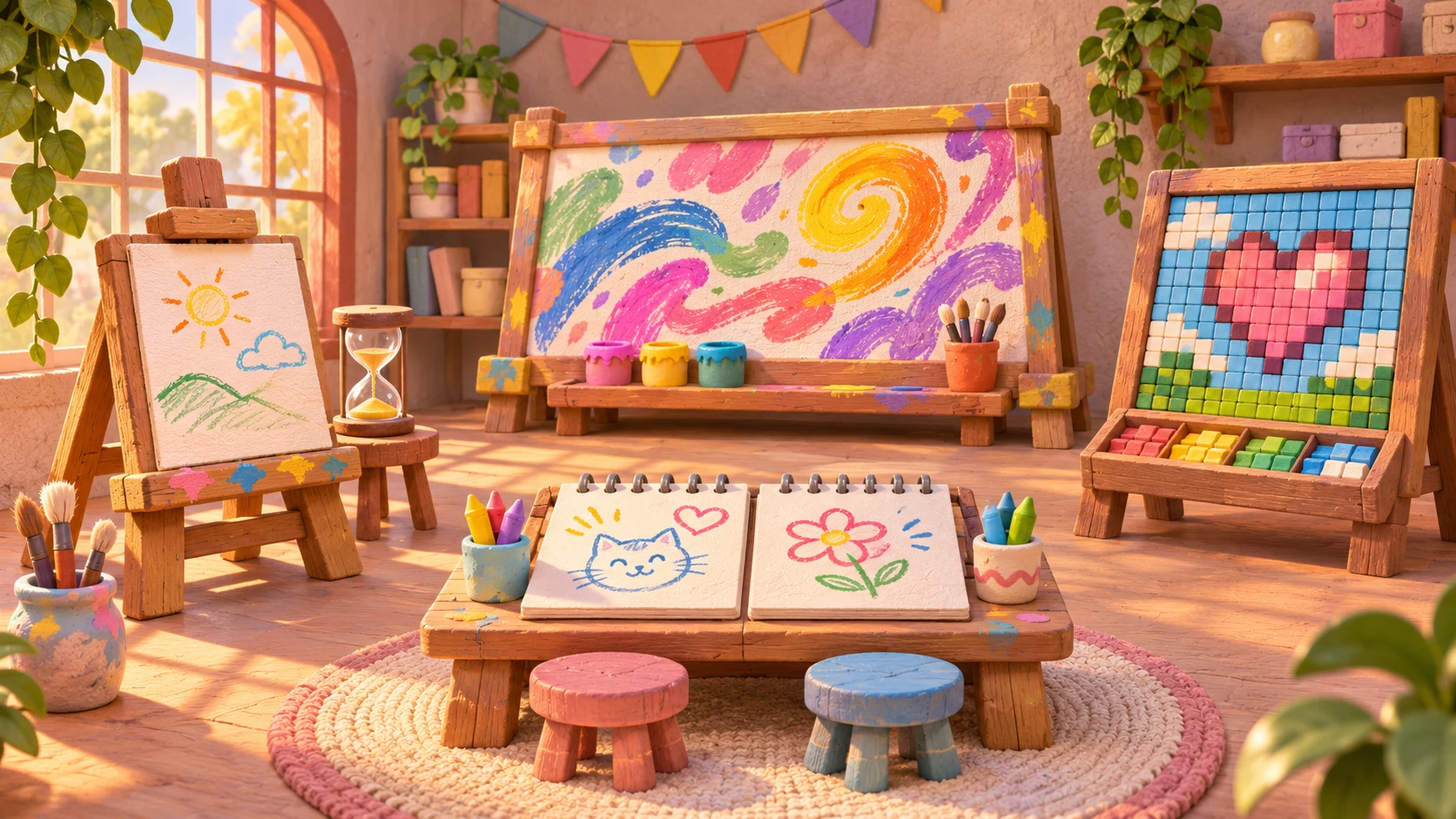
Pick the drawing format before the game
This comparison uses the creators’ Roblox descriptions, checked November 8, 2026. It is not a hands-on ranking, a player-count chart, or a promise that an experience is available to every account. Open the linked listing to check its current access requirements, content maturity label, and device support before planning a session.
| Experience | Listed creator | Listed emphasis | Start here when you want |
|---|---|---|---|
| Speed Draw! | Studio Giraffe | Timed competition, themes, a gallery | A prompt and a deadline |
| Free Draw | Free Draw! Community | Community drawing hangout | A shared social art space |
| Team Draw! | Studio Giraffe | Collaborative or solo drawing, save/load, gallery | Working on art with a friend |
| Draw! Pixel Art Creator | Pixel Art Creator Community | Pixel art, drawing boards, contests, a public board | A grid-based visual style |
“Drawing game” is a broad category. A timer can supply structure when nobody knows what to draw, while a shared canvas can leave the subject and pace to the group. Decide whether your friends want competition, conversation, or a joint picture before asking everyone to join.
Speed Draw! for a timed prompt
Speed Draw! by Studio Giraffe describes competitive drawing against the clock. Its listing also names themes, a gallery of the previous round’s drawings, and custom themes in private servers.
The listed controls include zooming with the mouse wheel or a pinch, moving the camera without a tool selected, and undo/redo shortcuts. Treat these as a starting reference and check the current in-game controls on your device. Learning how to pan without making a stroke is a useful first task before worrying about the finished picture.
Choose this format if a shared prompt and deadline sound more appealing than an open-ended art session. For a first round, aim for a recognizable silhouette and one distinguishing feature. That is a suggested drawing exercise, not a claim about the game’s scoring algorithm or a way to guarantee votes.
Free Draw for a community canvas
Free Draw by Free Draw! Community presents itself as a drawing hangout where players can draw with friends and show work to others. Its rules ask players to keep content appropriate, avoid altering another person’s art without permission, refrain from excessive scribbling, and treat others respectfully.
Choose this style when the shared space matters more to your plan than completing a timed entry. Before starting a joint drawing, agree which area belongs to whom and whether others may edit it. A border, separate sketch area, and clear invitation can make the collaboration easier to understand.
A community canvas is still a shared environment. The listing’s rules describe expected behavior; they do not establish that every public session will be interruption-free. Do not assume a finished work persists between sessions unless the experience’s current tools explicitly confirm that behavior.
Team Draw! for collaborative artwork
Team Draw! by Studio Giraffe explicitly offers drawing with a friend or drawing solo. Its description names Crayon, Airbrush, and Watercolor brushes, theme voting, a Free Draw room, saving and loading, and a gallery. The creator also advertises automatic saving.
That makes it a candidate when your main question is whether you can work together rather than merely draw beside one another. Try a small division of work first: one person blocks out the main shape while another adds the background or secondary details. Confirm how the actual collaboration controls behave before committing to a large piece.
Save/load and gallery features are separate from owning a reusable production asset. Check the current permissions, formats, and destination before treating an in-game drawing as a texture for a different project. This comparison has not tested export or recovery behavior, and it does not make earnings claims about the listing’s tipping feature.
Draw! Pixel Art Creator for a grid-based picture
Draw! Pixel Art Creator by Pixel Art Creator Community describes drawing pixel art alone or with friends, displaying work on a drawing board, entering contests, and collaborating on a public board.
Consider it when you want to think in blocks of color rather than smooth brush strokes. A useful personal challenge is a tiny object with a limited palette: a plant pot, a paper boat, or a fruit. Work on the outer shape first and add a highlight only after the object reads clearly at a small size.
Those are original practice suggestions, not official contest requirements. Check the current contest rules inside the experience instead of assuming that a subject, palette, or deadline from another drawing game applies here.
Choose a first session with friends
- Want a defined task? Start by checking Speed Draw!’s current round format.
- Want a drawing hangout? Read Free Draw’s shared-canvas rules together.
- Want one joint picture? Inspect Team Draw!’s collaboration controls and save behavior.
- Want pixel art? Start with Pixel Art Creator’s boards and a small palette.
Do a short tool check before spending a long session on a picture. Test zoom, drawing, erasing or undo where available, and how the canvas fits on the device you will actually use. A game listing can describe a feature without telling you whether its controls suit your preferred input.
The direct links here include the place ID and creator name so you can distinguish similar titles. The Speed Draw! listing itself links to the Studio Giraffe Team Draw! experience used in this comparison. A familiar name or copied description alone is not enough to identify the intended game.
Turn the format into an original game idea
If you are researching these games as a creator, study one design question rather than copying a branded interface: who owns the canvas, when can it be edited, and what ends the activity? A drawing round, a communal mural, and a two-person collaboration need different answers.
For a first prototype, sketch one canvas, one tool, a clear reset action, and an explicit owner. Add synchronized editing, persistent artwork, and voting only after that small interaction is understandable. Use the game ideas guide to keep the scope manageable and the GUI tutorial for interface foundations.
If your goal is to place an image you already made inside Studio, continue with adding images to Roblox Studio instead. For a different shared activity, compare cooking and restaurant games or browse games to play with friends.
For a session centered on clues rather than drawing, compare Roblox puzzle games.