What is a Roblox Game Pass?
A game pass is a one-time purchasable item that gives players permanent perks in your game. Game passes are the primary monetization tool on Roblox — top games earn thousands of dollars monthly from well-designed passes.
How to Create a Game Pass
Step 1: Create the Pass on Roblox
- Go to create.roblox.com → your game → Associated Items → Game Passes
- Click Create a Game Pass
- Upload an icon (150x150px), add a name and description
- Set the price in Robux (you keep 70% after Roblox's cut)
Step 2: Script the Game Pass
Add a Script in ServerScriptService to check ownership:
local MarketplaceService = game:GetService("MarketplaceService")
local GAME_PASS_ID = 123456789 -- Replace with your pass ID

game.Players.PlayerAdded:Connect(function(player)
  local hasPass = MarketplaceService:UserOwnsGamePassAsync(player.UserId, GAME_PASS_ID)
  if hasPass then
    -- Grant the perk
    player.Character.Humanoid.WalkSpeed = 32 -- Example: 2x speed
  end
end)
Step 3: Add a Purchase Prompt
Let players buy from inside the game:
MarketplaceService:PromptGamePassPurchase(player, GAME_PASS_ID)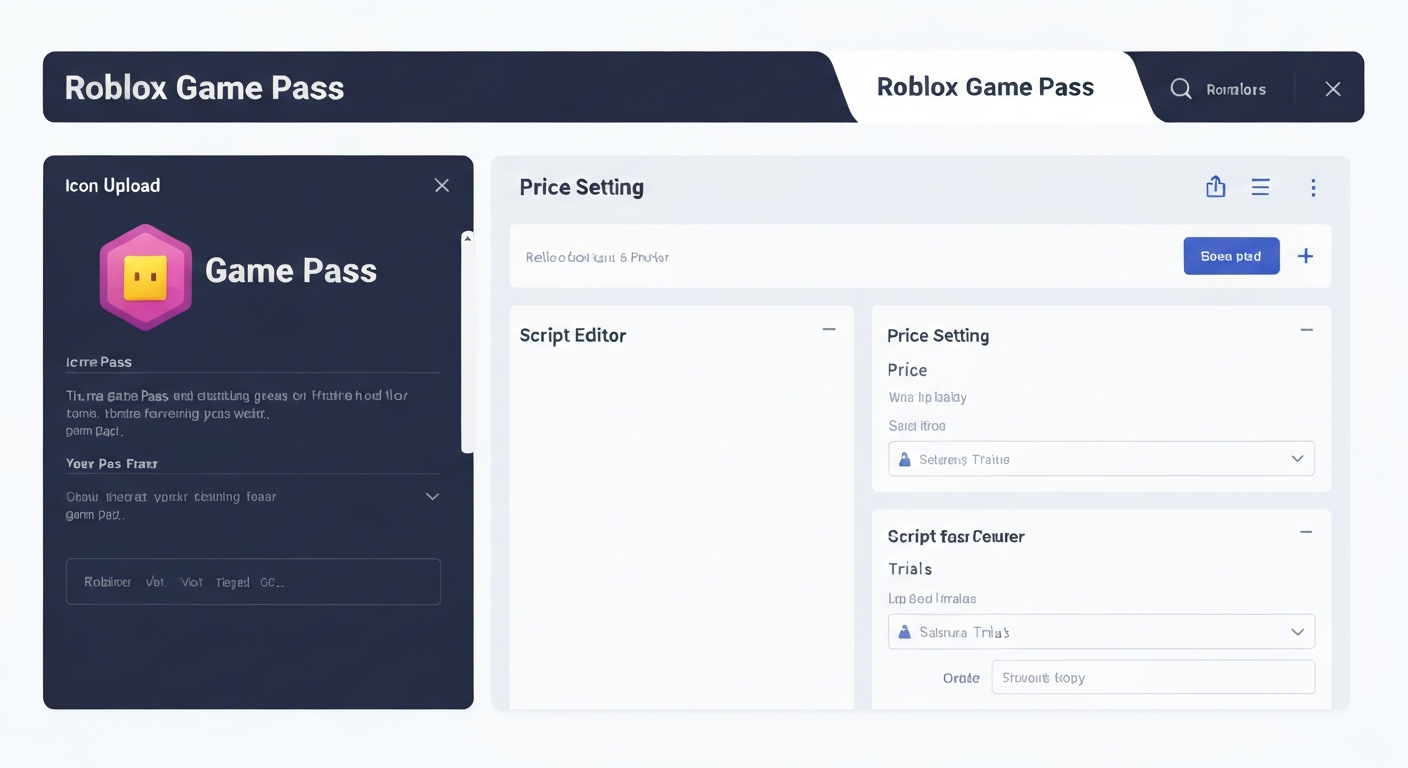
Best-Selling Game Pass Ideas
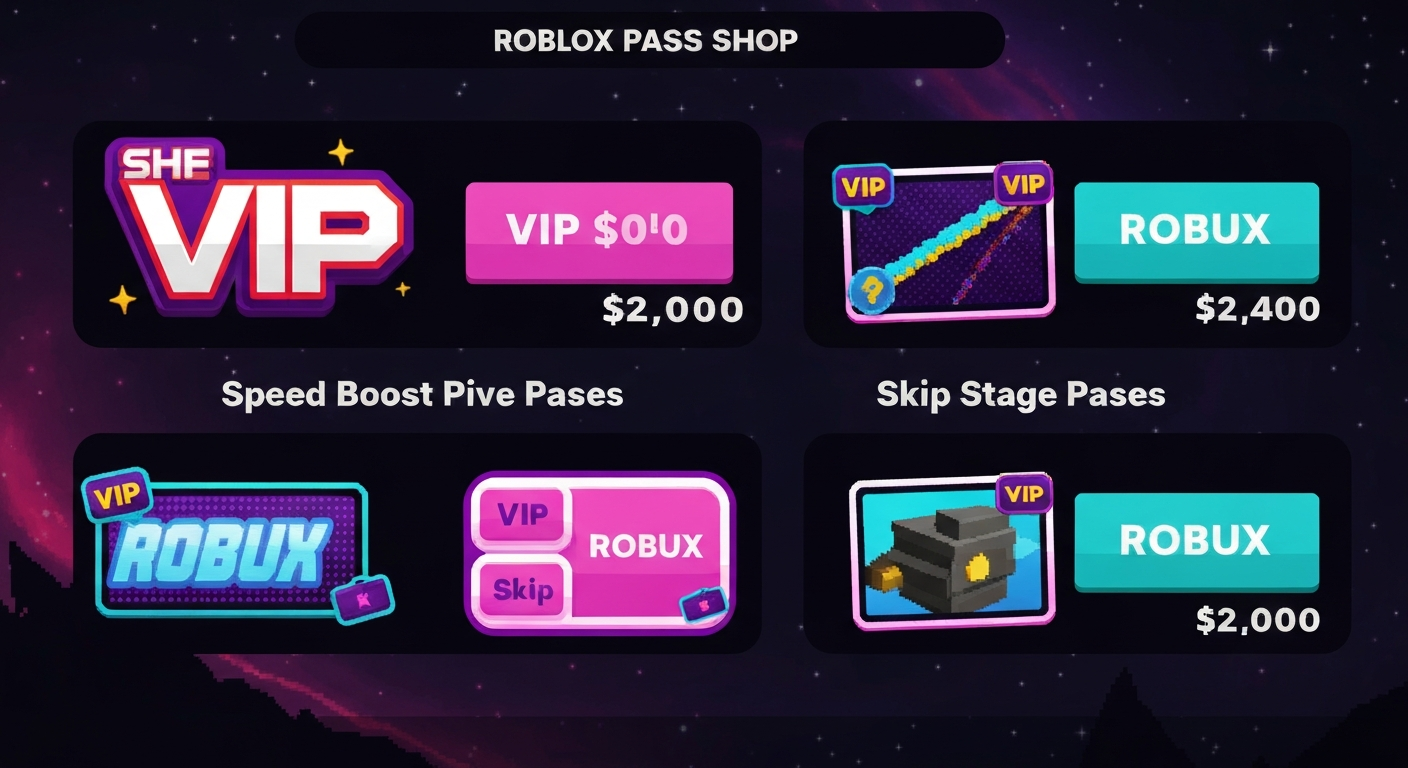
- VIP: Exclusive area, chat tag, special effects ($4.99-$9.99)
- 2x Speed: Permanent WalkSpeed boost ($1.99-$4.99)
- 2x Cash/XP: Double earnings ($2.99-$4.99)
- Skip Stage: Skip obby levels ($0.99-$2.99)
- Radio: Play custom audio ($2.99)
- Gravity Coil: Lower gravity for easier jumps ($1.99)
Pricing Strategy
- Under R$100: Impulse buys. High conversion, low revenue per sale
- R$100-500: Sweet spot for most games
- R$500-1000: Premium perks. Lower conversion, higher revenue
- R$1000+: Ultra-premium. Only works with very engaged audiences
Start with 3-5 passes at different price points. Track which sells best and adjust.
Build Games with Monetization Built In
Obby generates complete games with game pass systems already wired up. Just describe what passes you want and the AI handles the scripting.