Can You Play Roblox Without Downloading?
The standard way to play Roblox requires downloading the Roblox Player app. But what if you're on a school Chromebook, a restricted computer, or just don't want to install anything? Here are the legitimate ways to play Roblox without downloading in 2026.
Method 1: Roblox on Chromebook (Official Support)
Roblox officially supports Chromebooks through the Google Play Store:
- Open the Google Play Store on your Chromebook
- Search for "Roblox"
- Install the Roblox app
- Sign in and play
This requires a Chromebook that supports Android apps (most modern Chromebooks do). If the Play Store is blocked by your school/organization, try Method 3.
Method 2: Roblox Mobile (iOS & Android)
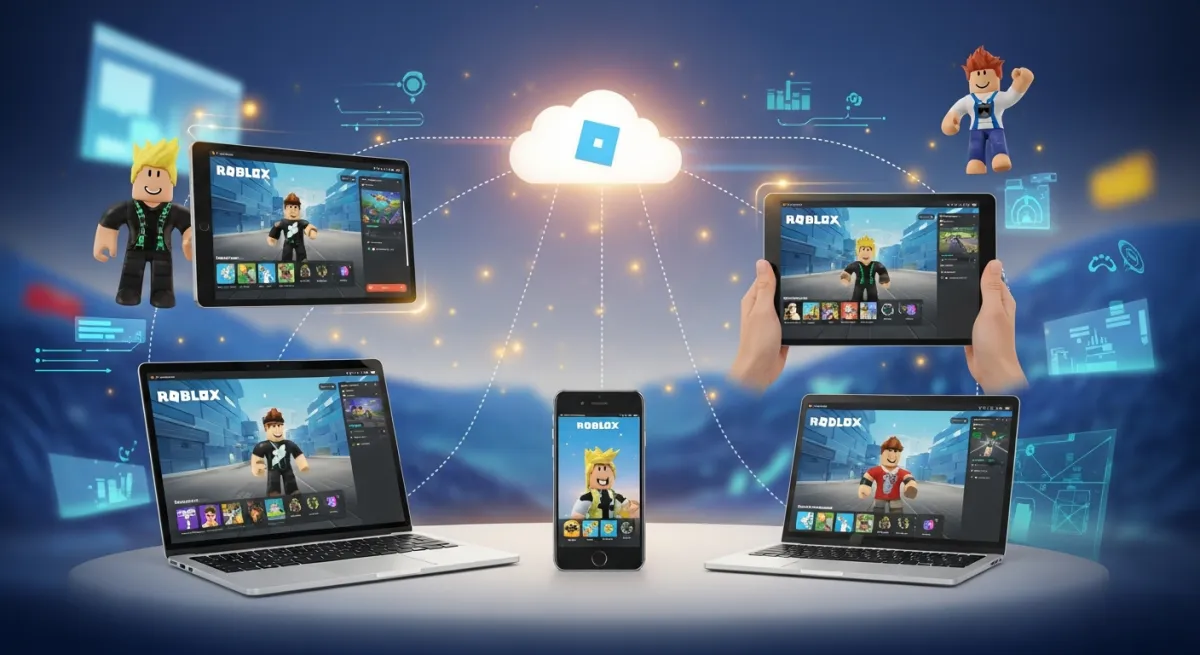
Roblox is free on both the App Store (iPhone/iPad) and Google Play Store (Android). The mobile app supports most Roblox games, though complex games may perform better on PC. This is technically a download, but it's the official mobile experience.
Method 3: Cloud Gaming Services
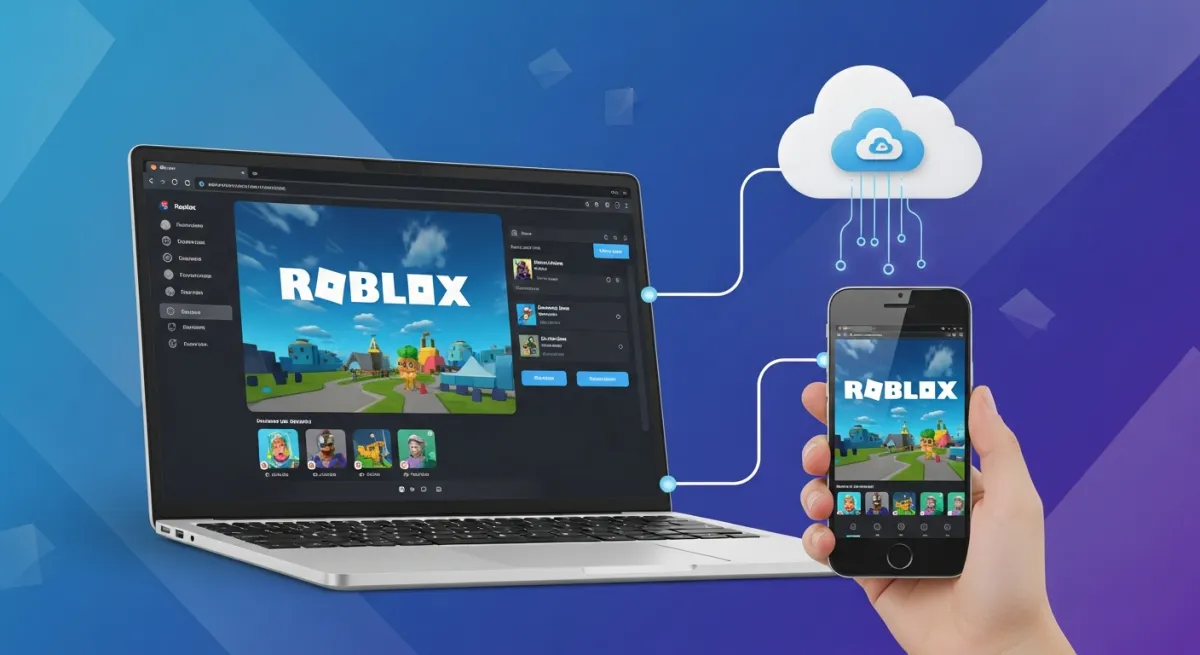
Cloud gaming lets you play Roblox in a browser without installing anything:
- Xbox Cloud Gaming — if you have Xbox Game Pass Ultimate, you can play Roblox through xbox.com/play in any browser
- Now.gg — a cloud gaming platform that runs mobile games in your browser, including Roblox
- Puffin Browser — can run some web-based Roblox content
Cloud gaming streams the game from a remote server, so you need a stable internet connection. The advantage: nothing is installed on your device.
Method 4: Samsung Galaxy Store
Samsung device users can download Roblox from the Galaxy Store as an alternative to the Play Store.
What About "Roblox Unblocked" Sites?
Be extremely careful with websites claiming to offer "Roblox unblocked." Most of these are:
- Scam sites that steal your Roblox credentials
- Malware disguised as game launchers
- Phishing pages that look like Roblox but aren't
The only legitimate ways to play Roblox are through the official Roblox website (roblox.com), official apps, or authorized cloud gaming services. Never enter your Roblox password on a third-party site.
Building Roblox Games Without Studio
Roblox Studio (the game-creation tool) only runs on Windows and macOS. But you can create Roblox games from any device — including Chromebooks and phones — using Obby. Describe your game in a browser, preview it online, and export a .rbxlx file to open in Studio later.
Create a Roblox game in your browser →
Tips for the Best Mobile/Chromebook Experience
- Lower graphics settings in Roblox for better performance on weaker devices
- Use a stable Wi-Fi connection — especially for cloud gaming
- Connect a controller — Bluetooth controllers work with mobile and Chromebook Roblox
- Avoid complex games — some resource-heavy games lag on mobile; stick to well-optimized experiences