The Battlegrounds Genre on Roblox
Battlegrounds games are among the most popular PvP games on Roblox. Titles like Blade Ball, The Strongest Battlegrounds, and Anime Battlegrounds have billions of combined visits. These games pit players against each other with unique abilities and combat mechanics.
Core Systems You Need
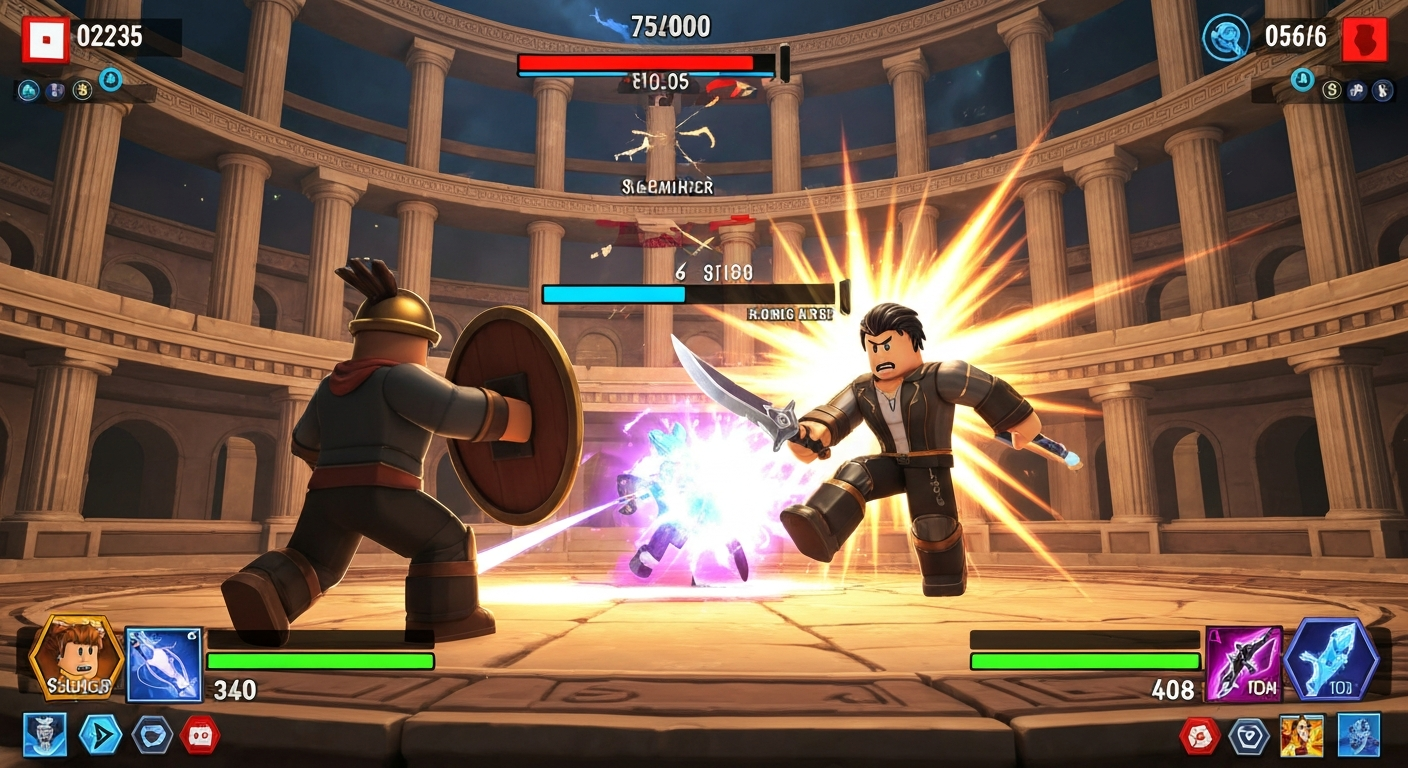
- Combat system: Attacks, blocking, combos
- Character abilities: Unique moves per character/class
- Arena/map: Balanced fighting areas
- Matchmaking: Fair 1v1 or team battles
- Progression: Level-ups, unlocks, rankings
- UI: Health bars, ability cooldowns, kill feed
Step 1: Build the Combat System
The combat system is the heart of any battlegrounds game:
Basic Melee Combat
- M1 combo: Click to attack with a 3-4 hit combo sequence
- Block: Hold F to reduce incoming damage
- Dodge: Double-tap movement to dash and avoid attacks
- Knockback: Final combo hit sends the enemy flying
Ability System
- Each character has 3-4 unique abilities mapped to keys (Q, E, R, T)
- Abilities have cooldowns to prevent spam
- Mix ranged and melee abilities for variety
- Ultimate ability (Z) charges over time or with damage dealt
Step 2: Design Characters/Classes
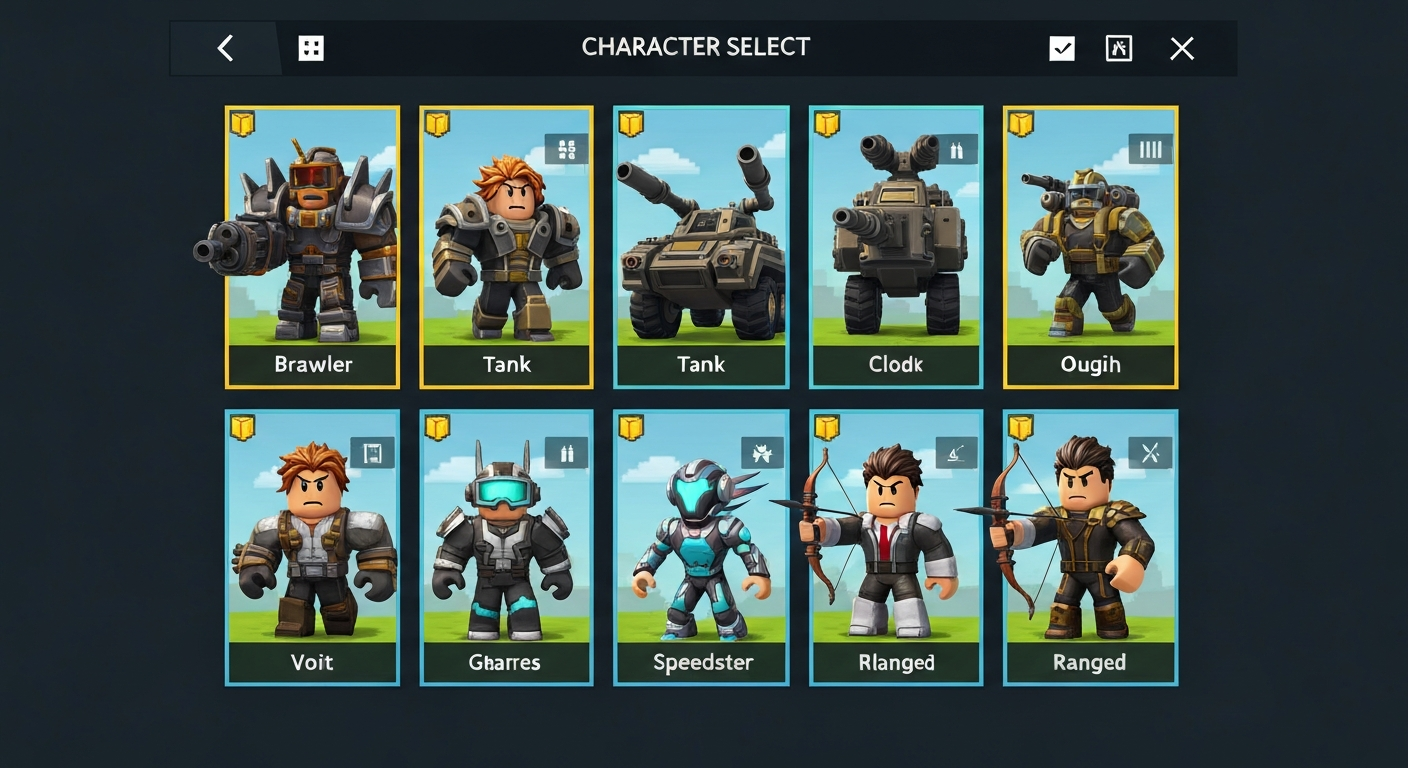
Great battlegrounds games have diverse, balanced characters:
- Brawler: High damage, close range, lower health
- Tank: High health, slow, area denial abilities
- Speedster: Fast movement, hit-and-run tactics
- Ranged: Projectile attacks, fragile up close
- Support: Healing, buffs, crowd control
Start with 4-6 characters and add more over time to keep the game fresh.
Step 3: Build the Arena
- Create a flat, open fighting area as the main arena
- Add elevated platforms and obstacles for tactical positioning
- Include boundaries (kill zones or invisible walls)
- Add multiple maps and rotate between them
- Consider environmental hazards (lava zones, falling debris)
Step 4: Add Matchmaking
- Free-for-all: Everyone fights in an open lobby
- 1v1 ranked: Queue for competitive matches with rankings
- Team battles: 2v2, 3v3, or 4v4 matches
- Use TeleportService to move players between lobby and arena
Step 5: Progression and Rewards
- XP and levels: Earn XP from fights, level up for rewards
- Character unlocks: New characters unlock at certain levels or through currency
- Ranked system: Bronze → Silver → Gold → Diamond → Champion
- Daily challenges: "Win 3 fights with Brawler" for bonus rewards
Step 6: Monetization
- Character skins: Cosmetic variants of each character
- Premium characters: Exclusive characters via game pass
- Battle pass: Seasonal progression with cosmetic rewards
- Emotes and effects: Kill effects, victory poses, chat emotes
- 2x XP game pass: Level up faster
Build Your Battlegrounds Faster
Obby can generate the combat system foundation, character abilities, and arena design from a description. Start with AI, then customize the balance and polish.