Make one complete loop first
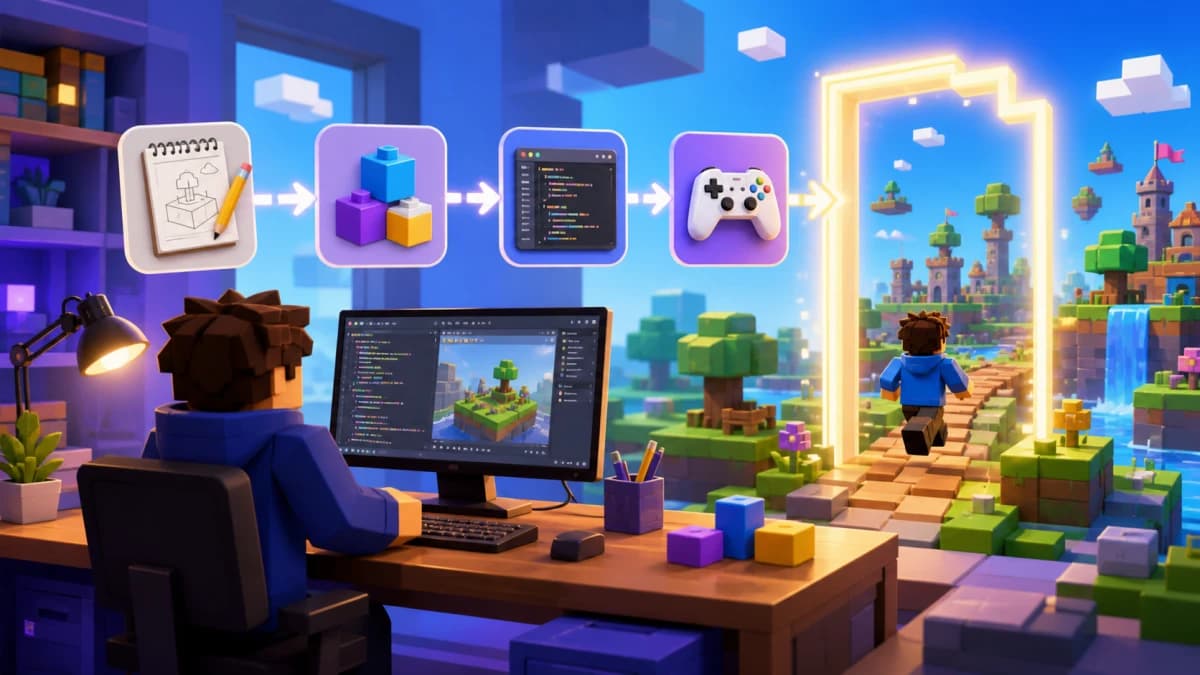
Choose a small game, write its acceptance checks, generate a bounded draft, and test the exported project in Roblox Studio. AI can accelerate a prototype; it does not prove that multiplayer, saving, or purchases work.
| Step | Deliverable | Check |
|---|---|---|
| Brief | One action, failure, and finish | Could a new player understand the goal? |
| Draft | Geometry and a small mechanic | Can you inspect each script and dependency? |
| Export | Editable Studio project | Does it open with the expected hierarchy? |
| Playtest | Complete run and failure recovery | Does it behave correctly in Roblox? |
| Release | Configured, tested place | Are permissions and public-release requirements met? |

Use this bounded brief
Create an eight-platform obby. Keep every platform anchored. Put the spawn beside the first platform and a visible finish after the last. Add one session-only checkpoint halfway. Do not add trading, saving, currency, or purchases. Explain the object hierarchy and how to test respawn with two players.
Choose where you want to work
Roblox Assistant helps inside Studio. A general assistant needs relevant scripts, Explorer paths, and errors supplied in context. Obby supports project editing, browser preview, and .rbxlx export; inspect its exported instances and run a Studio playtest. Browser preview is a separate runtime, not a substitute for Roblox testing.
Add clear audio feedback
Use the Creator Store audio guide to choose one checkpoint cue. Test it in the exported game at the moment the checkpoint succeeds, then repeat the action to check that it stays clear and comfortable. For an original cue, follow the audio creation and upload guide.
Review before expanding
- Save a working copy and inspect the generated scripts.
- Check instance paths, anchoring, and script types.
- Play a complete run and deliberately fall or reset.
- Test another player reaching a different checkpoint.
- Change only the failing mechanic and repeat the relevant test.
Keep server state authoritative
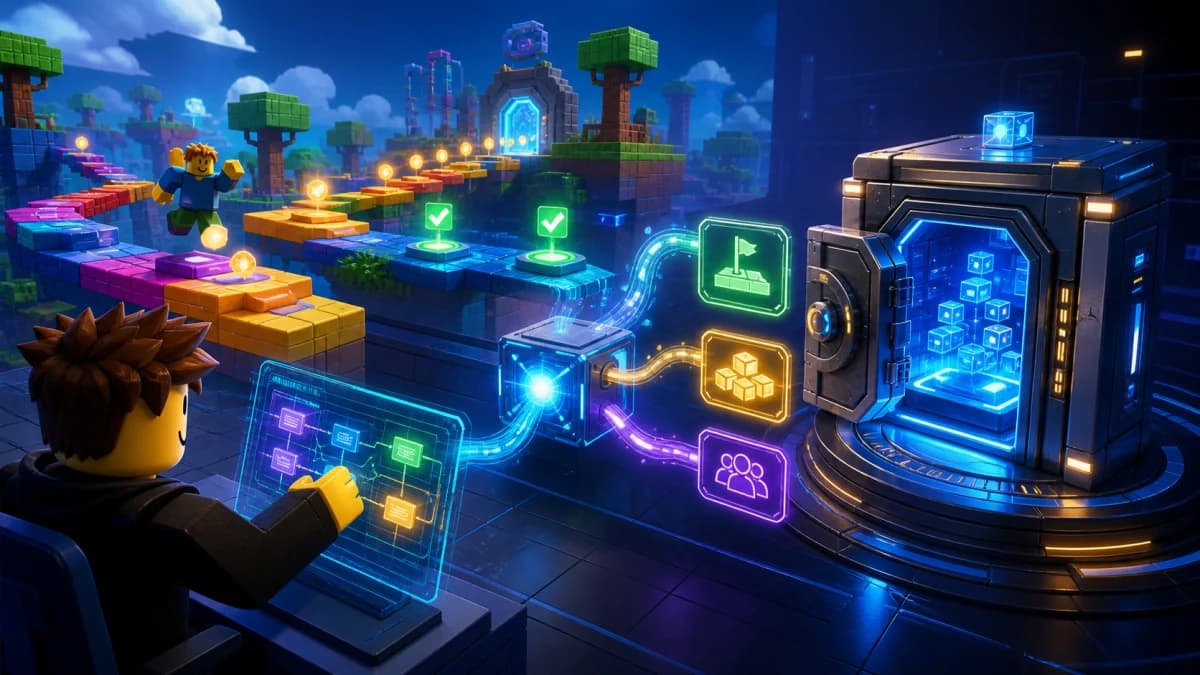
If a feature involves rewards or inventory, do not trust a client-supplied amount or object. Validate remote requests on the server and limit abusive request frequency. Generated code needs the same security review as hand-written code.
What AI cannot certify
A generated explanation does not certify code correctness, asset rights, persistence, or monetization. Complex games may require substantial manual work. Compare current plan quotas and checkout terms before paying; a free entry point does not establish unlimited generation or export.
For inspectable geometry first, try the course planner. Read the scripting comparison, then the release guide. Sources: client-server security and publishing requirements.