What Is a Roblox Developer Product Script?
A Roblox developer product script lets players buy something more than once inside your game. That makes developer products different from game passes, which are usually one-time permanent purchases. Coins, gems, revives, spins, temporary boosts, starter packs, and event currency are classic developer product use cases.
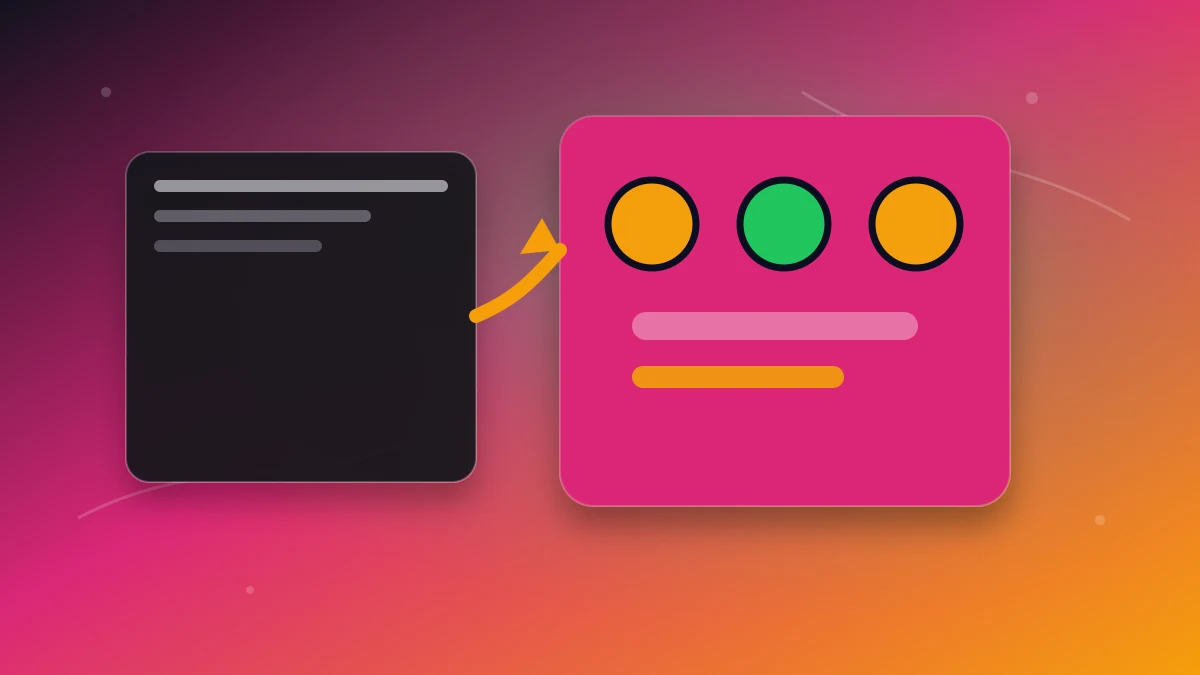
A Roblox developer product script generator is valuable because purchase logic has to be correct. If it grants rewards on the client, forgets to handle receipt processing, or fails to save the reward, your monetization breaks. AI can generate the structure, but you still need the safe pattern.
Developer Products vs Game Passes
| Monetization type | Best for | Purchase frequency |
|---|---|---|
| Game pass | VIP, permanent perks, 2x coins, premium zones | Usually once |
| Developer product | Coins, boosts, revives, spins, consumables | Repeat purchases |
If your player should be able to buy it again, it is probably a developer product. If it should unlock forever, it is probably a game pass.
The Safe Server-Side Purchase Flow
- Store product IDs in one config table. Do not scatter IDs across scripts.
- Open the purchase prompt from UI. A LocalScript can ask MarketplaceService to show the prompt.
- Grant rewards on the server. The server handles receipt processing and validates what was purchased.
- Save the result. Coins, inventory, spins, and boosts should update your DataStore-backed player state.
- Return the correct purchase decision. Your server should only mark a receipt complete after the reward is granted safely.
Prompt for a Developer Product Script Generator
"Generate a Roblox Luau developer product system for a simulator. Products: 500 Coins, 2,500 Coins, One Revive, and 15 Minute 2x Luck Boost. Put product IDs in one ModuleScript, use server-side receipt handling, update leaderstats, save purchases to DataStore, and include a simple shop UI button flow."
This prompt forces the AI to build a system, not just a snippet. It asks for product config, receipt handling, leaderstats, saves, and UI wiring together.
Developer Product Ideas That Convert
- Currency packs: coins, gems, candy, cash, tokens.
- Progress boosts: 2x coins for 15 minutes, 2x XP, faster hatching.
- Revives and retries: continue after death, retry boss, skip cooldown.
- Spins and rolls: pet eggs, wheel spins, item rerolls, tower crates.
- Event packs: limited seasonal currency or limited-time starter bundles.
The best developer products shorten a grind players already enjoy. They should not make the free game feel broken.
Common AI Mistakes to Reject
- Granting coins from the client after a button click.
- Hardcoding product IDs inside UI scripts.
- Not checking which product was purchased.
- Failing to save consumable rewards.
- Mixing game pass ownership checks with developer product receipt handling.
Generate the Whole Monetization System
You can ask a chatbot for a developer product snippet, but the higher-converting workflow is to generate the whole game system: shop UI, products, leaderstats, DataStore, and progression loop. Describe your Roblox monetization system in Obby and generate it with the game. For the front-end purchase menu, continue with our Roblox shop system generator guide.