Why Start with a Template?
Building from scratch is slow. Game templates give you a working foundation — core mechanics, UI, and structure — so you can focus on what makes your game unique.
Where to Find Templates
- Roblox Studio: Built-in templates (Baseplate, Obby, Racing)
- Toolbox: Free community models and full game kits
- Uncopylocked games: Open-source games you can edit (find obbys here)
- Creator Store: Premium templates from professional developers
- Obby AI: Generate custom templates by describing your game
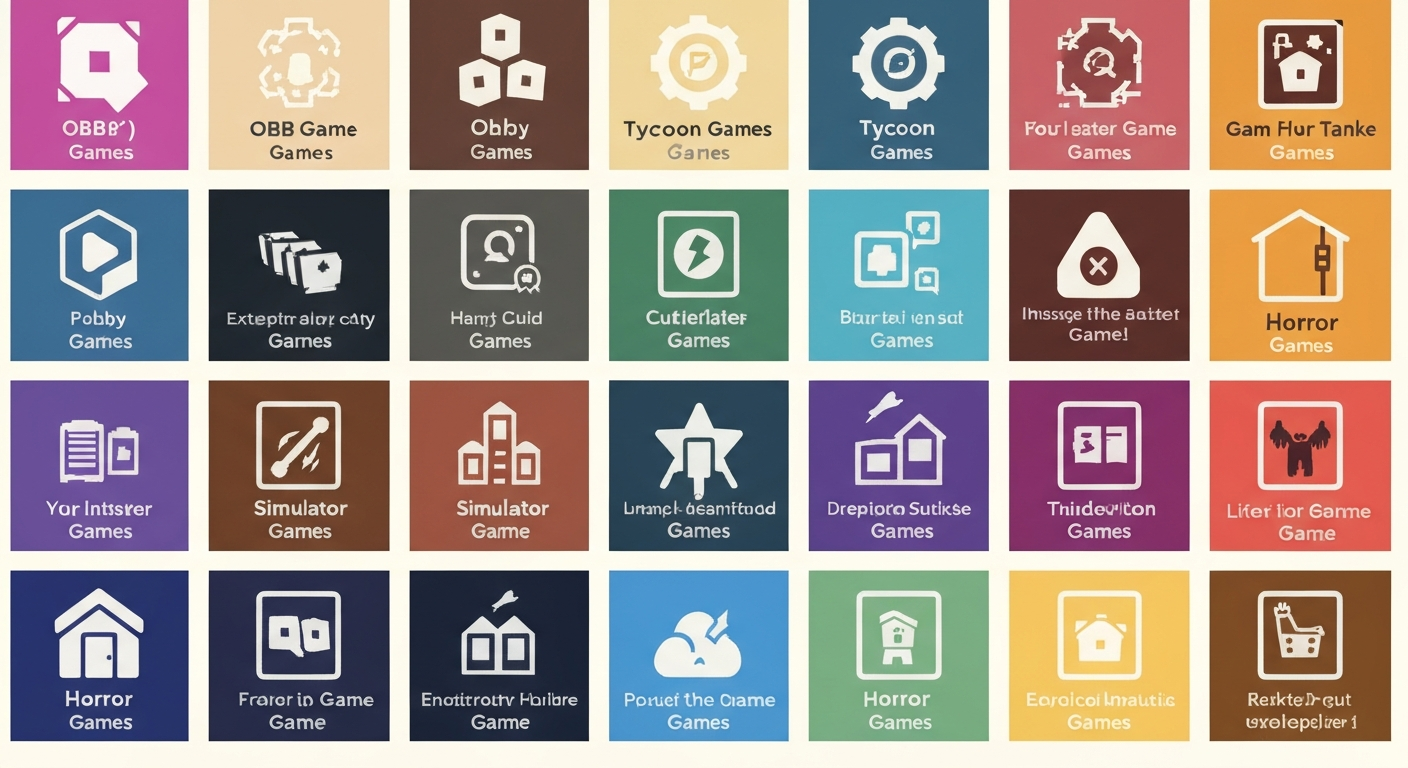
Best Templates by Genre
Obby Template
Includes: checkpoint system, kill bricks, stage counter UI, basic obstacles. Just add your own levels and theme.
Tycoon Template
Includes: dropper, conveyor, upgradeable buildings, income system, rebirth mechanic. Customize the theme and add buildings.
Simulator Template
Includes: tool system, collection backpack, sell area, upgrade shop. Add your own collectibles and areas.
Horror Template
Includes: dark lighting setup, flashlight system, monster AI. Add your own map and story.
RPG Template
Includes: health system, combat, inventory, NPC dialogue. Add quests and content.
Customizing Templates
- Open the template in Roblox Studio
- Change the theme — swap colors, materials, and decorations
- Modify game parameters — difficulty, prices, progression speed
- Add your unique features — what makes YOUR game different
- Create a custom thumbnail and publish
Generate Your Own Template
Obby generates custom game templates from a description. Get exactly the foundation you need — then customize from there.