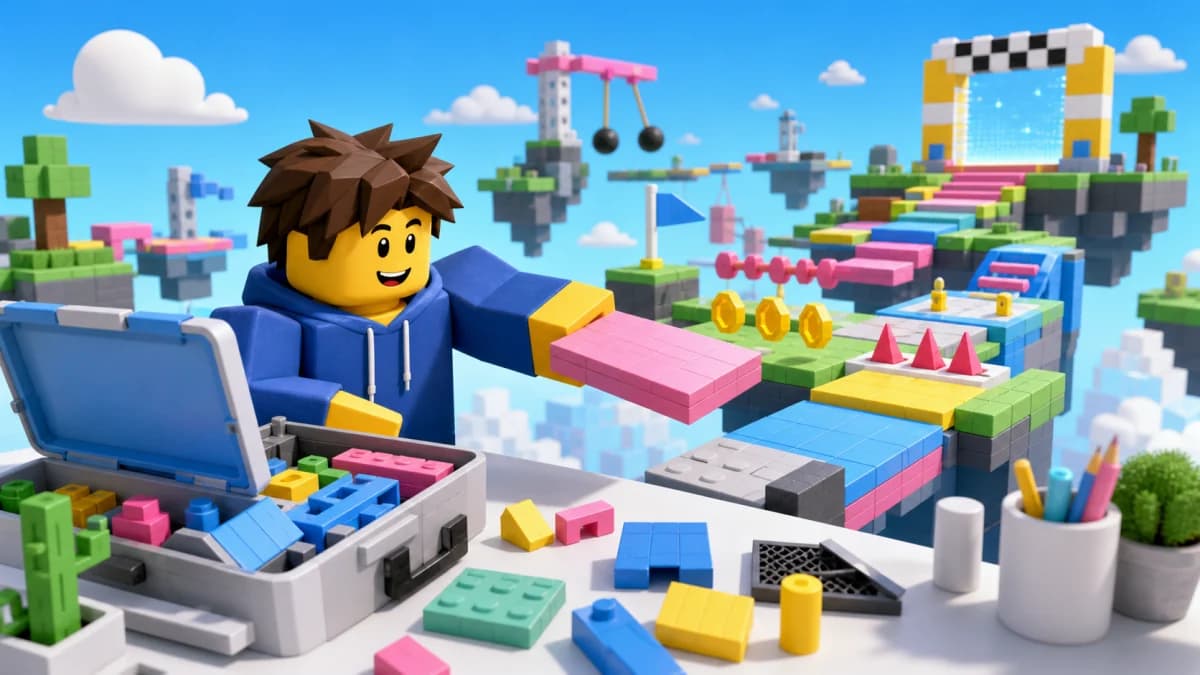
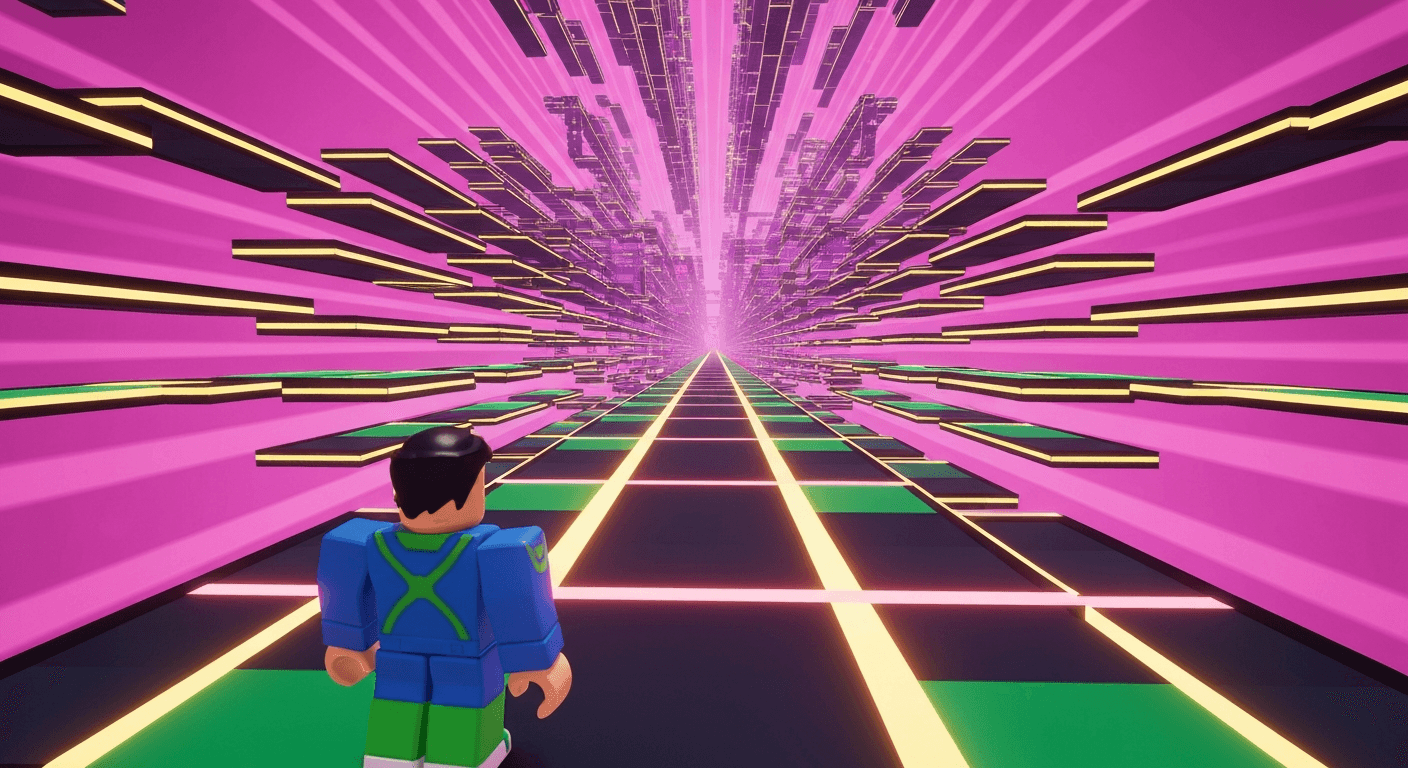
You Don't Need to Code to Make a Roblox Game
This is the most common misconception about Roblox development. While coding (Luau scripting) unlocks the most advanced features, there are multiple ways to make a Roblox game without writing a single line of code.
Method 1: AI Game Builder (Fastest)
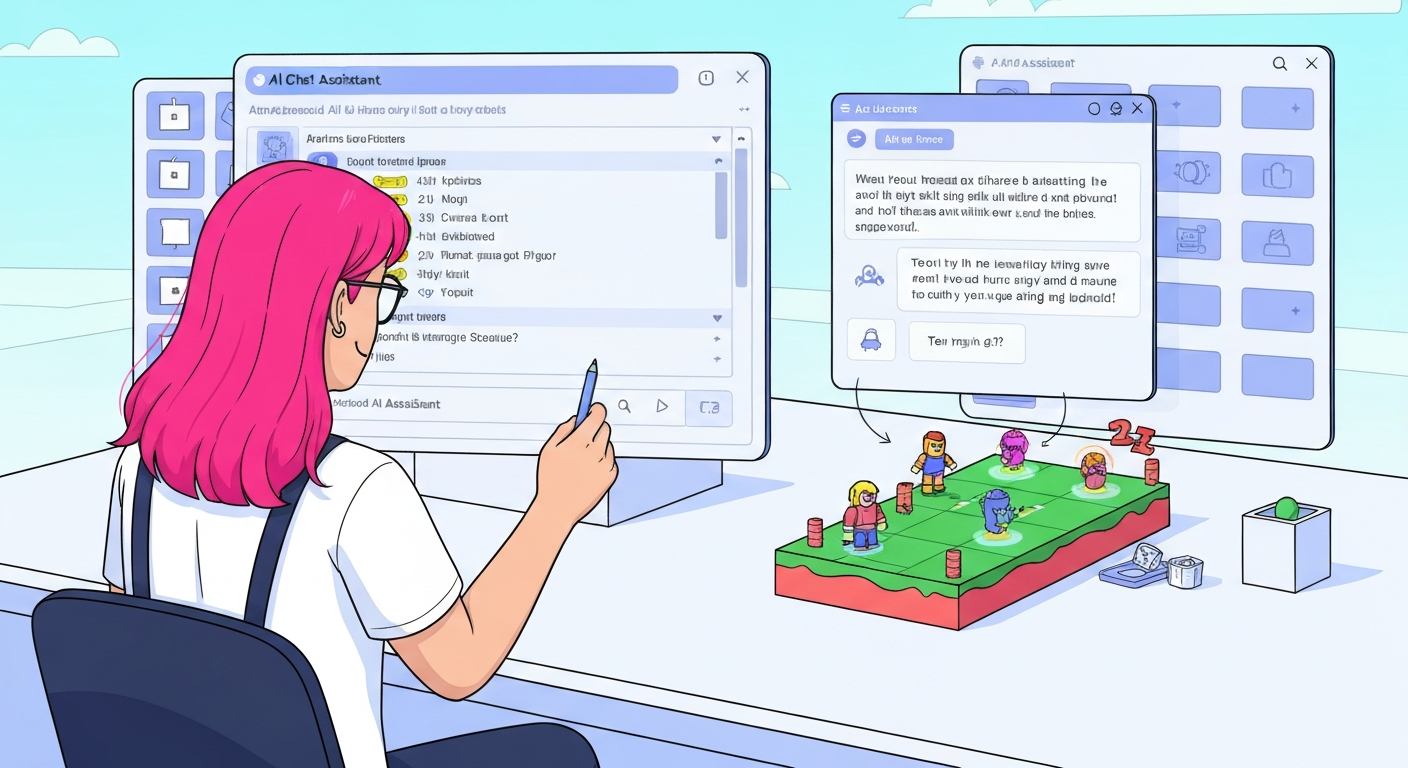
Obby lets you describe your game in plain English and generates everything — Luau code, 3D environments, game logic, and a ready-to-publish .rbxlx file. You never touch code.
- Describe: "Make a rainbow obby with 30 stages and moving platforms"
- AI generates the complete game in under 2 minutes
- Preview in your browser, then export to Roblox Studio
- Iterate by chatting: "add a speed boost game pass"
Method 2: Roblox Studio Templates
Roblox Studio comes with built-in templates for common game types:
- Open Roblox Studio → select a template (Obby, Racing, Baseplate)
- Customize by dragging, resizing, and recoloring parts
- No scripting needed for basic games
- Publish directly from Studio
Limitation: templates are basic. For custom mechanics, you'll need scripts or an AI tool.
Method 3: Toolbox Free Models
The Roblox Toolbox has thousands of pre-built models with scripts already attached:
- Search "kill brick" → drag it in → it works
- Search "checkpoint" → drag it in → checkpoints work
- Search "tycoon kit" → get a full tycoon system
Warning: always review free model scripts for malicious code before publishing.
Method 4: Uncopylocked Games
Copy an existing game's structure and customize it. See our uncopylocked obbys guide for details.
What Games Can You Make Without Coding?
- Obbies: 100% no-code possible — just place platforms
- Showcases: Build environments for exploration
- Simple tycoons: Using tycoon kits from the Toolbox
- Any game type: With Obby's AI — it writes all the code for you
When You Might Need Code
Some features require scripting:
- Custom game mechanics (unique combat, special abilities)
- Data saving (player progress across sessions)
- Monetization (game passes, developer products)
- Anti-exploit protection
But even for these, Obby's AI generates the scripts for you — so you still don't need to learn coding.
Start Building Today
Don't let coding be the barrier. Obby is the fastest way to go from idea to published Roblox game — no coding required.