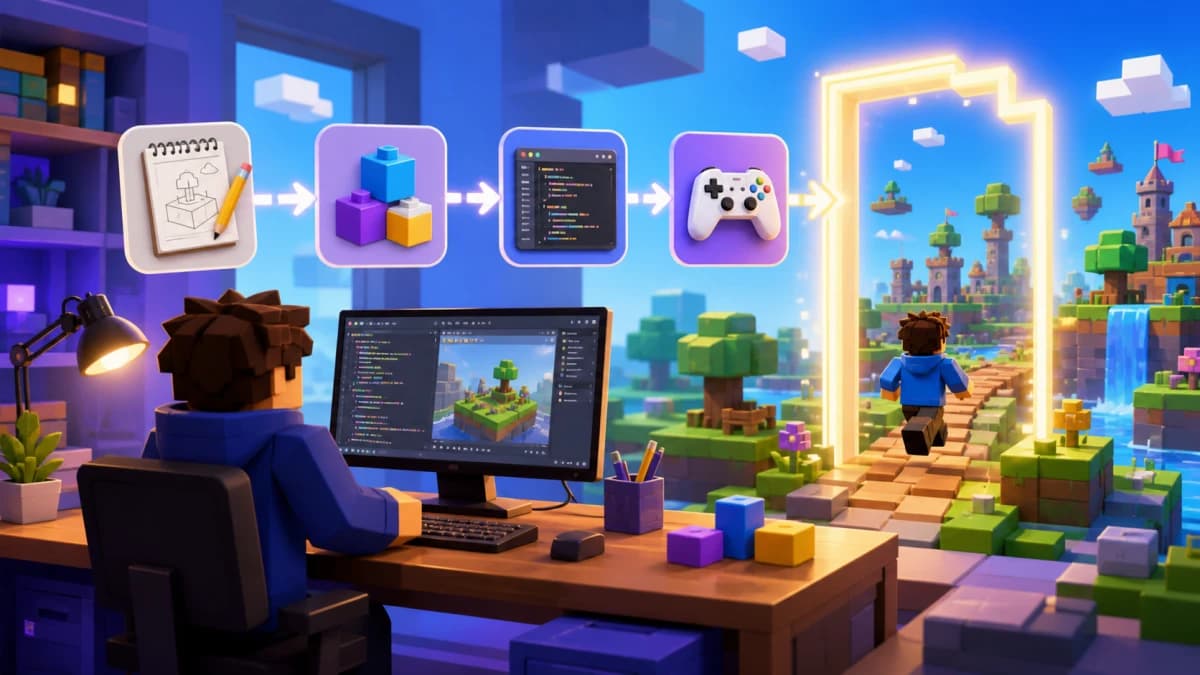
What Is a Roblox AI Script Generator?
A Roblox AI script generator is a tool that takes a plain-English description of what you want your game to do and outputs ready-to-paste Luau code for Roblox Studio. Instead of writing every script from scratch, you describe the mechanic — "give players a sword that deals 25 damage on hit" — and the generator produces a working script you can drop into ServerScriptService.

In 2026, AI code generators are no longer just autocomplete tools. The best Roblox script generators understand the Roblox API surface, respect client/server security boundaries, and can produce entire game systems — not just snippets. This guide walks through every major option and helps you pick the right one.
Why Use an AI Roblox Code Generator Instead of Writing Scripts by Hand?
Three clear reasons developers reach for an AI generator:
- Speed. A leaderboard with persistent DataStore saves takes 30+ minutes to write correctly from scratch. An AI generator produces it in 20 seconds.
- Correctness. Good generators bake in Roblox best practices automatically —
pcallwrappers around DataStore calls, server-side validation, proper service references viagame:GetService. - Learning. Reading AI-generated code is one of the fastest ways to learn Luau. You see the patterns experienced developers use, in context.
The Best Roblox Script Generators in 2026
1. Obby — The Most Complete Roblox AI Script Generator
Obby is purpose-built for Roblox. Unlike general AI coding tools that occasionally happen to write Luau, Obby is trained to understand the Roblox platform — its services, its security model, its idioms.
What makes Obby stand out as a Roblox code generator:
- Generates full game systems (combat, inventory, shops, DataStore) — not just isolated snippets
- Outputs server scripts, local scripts, and module scripts that work together
- Knows current Roblox APIs and avoids deprecated patterns
- Can iterate on existing code — describe a change and it edits the right files
Try Obby's Roblox AI script generator free →
2. ChatGPT (GPT-4o, GPT-5)
ChatGPT is the most accessible general-purpose Luau script generator. It handles common Roblox tasks well — leaderboards, click detectors, kill bricks, basic game pass checks. Provide context ("this is Luau for Roblox Studio, use game:GetService('Players')") and ChatGPT produces usable code 80% of the time.
Weakness: ChatGPT doesn't see your existing scripts. You have to paste in everything relevant or it produces code that conflicts with what you already have.
3. Roblox Studio Assistant (Built-In)
Roblox ships its own AI script generator inside Studio. It's free, runs in-app, and has the most up-to-date understanding of Roblox-specific APIs because Roblox itself maintains it.
Strength: Direct Studio integration — generated code lands in the right script automatically.
Weakness: Less capable than top frontier models for complex multi-system tasks.
4. Claude (Anthropic)
Claude excels at longer, more structured code generation tasks. For complex systems — a quest engine with multiple objective types, an NPC dialogue tree, a player class system — Claude tends to produce cleaner, better-commented Luau than other general AI tools.
5. GitHub Copilot (with Rojo)
If you write Roblox code in VS Code synced to Studio via Rojo, GitHub Copilot autocompletes Luau as you type. It's less of a "generator" and more of an inline pair programmer, but it shines for repetitive code patterns.
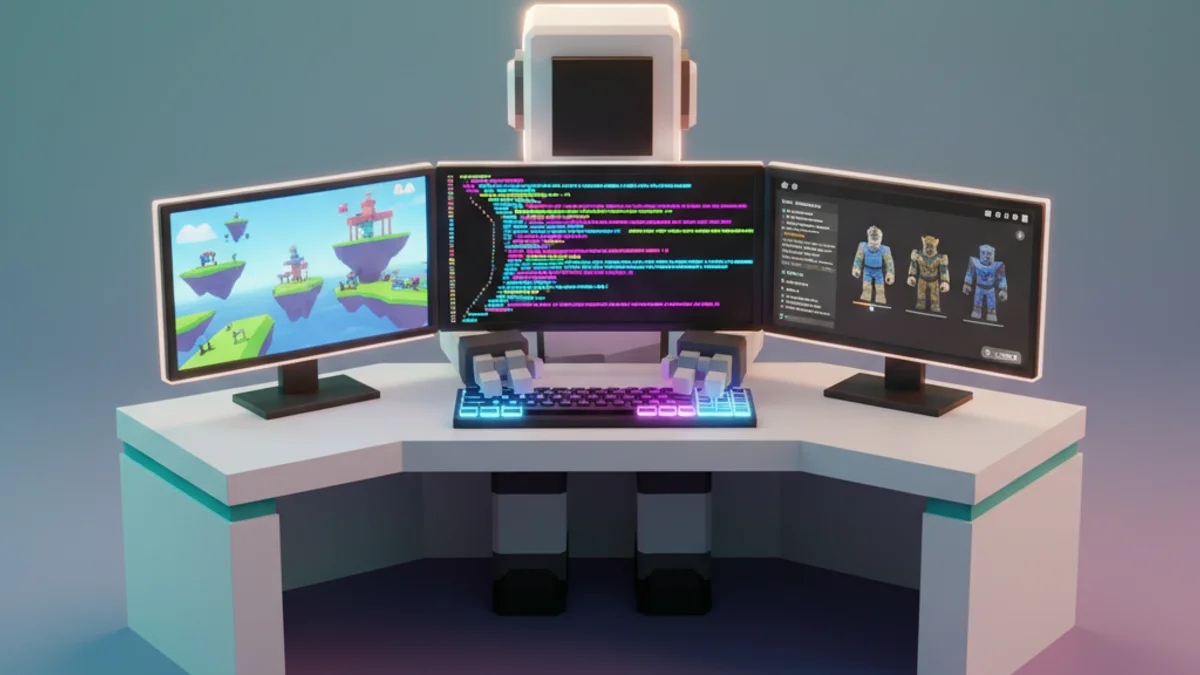
What a Modern Roblox Code Generator Can Produce
Here are the kinds of scripts AI generators reliably output for Roblox in 2026:
- Leaderstats: Coin counters, kill/death stats, level systems
- DataStore wrappers: Save and load player progress with retry logic
- Game passes: Server-side ownership checks with
MarketplaceService:UserOwnsGamePassAsync - Combat systems: Hit detection, damage application, animations, cooldowns
- NPCs: PathfindingService-based navigation, dialogue triggers, simple enemy AI
- UI scripts: Shop menus, inventory grids, settings panels
- Round systems: Lobby timers, map voting, win conditions
- RemoteEvent handlers: Secure client-to-server communication with validation
Example: Asking an AI Generator for a Coin Pickup System
Here's the kind of prompt that produces excellent results:
"Generate a Luau script for a Roblox coin pickup system. When a player touches a part tagged with CollectionService tag 'Coin', it should add 1 to the player's leaderstats Coins value (creating leaderstats if it doesn't exist), play a sound, and destroy the coin. Run this on the server."
A well-tuned Roblox AI script generator outputs something like:
local Players = game:GetService("Players")
local CollectionService = game:GetService("CollectionService")

local function setupLeaderstats(player)
  if player:FindFirstChild("leaderstats") then return end
  local leaderstats = Instance.new("Folder")
  leaderstats.Name = "leaderstats"
  leaderstats.Parent = player

  local coins = Instance.new("IntValue")
  coins.Name = "Coins"
  coins.Value = 0
  coins.Parent = leaderstats
end

Players.PlayerAdded:Connect(setupLeaderstats)

local function onCoinTouched(coin, hit)
  local character = hit.Parent
  local player = Players:GetPlayerFromCharacter(character)
  if not player then return end

  local leaderstats = player:FindFirstChild("leaderstats")
  if leaderstats and leaderstats:FindFirstChild("Coins") then
    leaderstats.Coins.Value += 1
    coin:Destroy()
  end
end

for _, coin in ipairs(CollectionService:GetTagged("Coin")) do
  coin.Touched:Connect(function(hit) onCoinTouched(coin, hit) end)
end

CollectionService:GetInstanceAddedSignal("Coin"):Connect(function(coin)
  coin.Touched:Connect(function(hit) onCoinTouched(coin, hit) end)
end)
Clean, server-side, handles late-added coins via CollectionService — exactly how an experienced Roblox developer would write it.
Tips to Get the Best Output From Any Roblox AI Script Generator
- Be explicit about server vs. client. Always specify where the script should run. Vague prompts produce scripts that break at runtime.
- Mention the Roblox services involved. "Use
DataStoreService" or "useTweenService" sharpens output dramatically. - State edge cases. Mention what should happen on respawn, on disconnect, on first join — otherwise the AI omits them.
- Provide one example of your project's coding style. The generator will match.
- Test in Studio playtest before publishing. AI-generated scripts occasionally use deprecated APIs.
Free vs. Paid Roblox Code Generators
The free options (Roblox Studio Assistant, ChatGPT free tier, Claude free tier) are good enough for most beginner-to-intermediate tasks. Paid generators like Obby, Claude Pro, and GPT-5 are worth the upgrade once you're shipping real games — the difference in code quality and the ability to handle full game systems pays for itself quickly.
Build the Whole Game, Not Just Scripts
A script generator solves part of the problem. A full AI Roblox game builder like Obby solves the rest — it builds the 3D world, creates the GUIs, wires up monetization, and ties everything together. If you're staring at a blank Studio project, the bigger time-saver is generating the whole game, not script-by-script.