What is the best AI for Roblox game development?
The best AI depends on where you are starting. Use a full game builder such as Obby when you want a playable browser scaffold; Roblox Assistant when you want help inside Studio; Studio MCP when a trusted coding agent needs to inspect, edit, and playtest an open place; Roblox Build when the mobile feature is available to your account; and a general coding assistant when you mainly need Luau explanations or editor autocomplete.

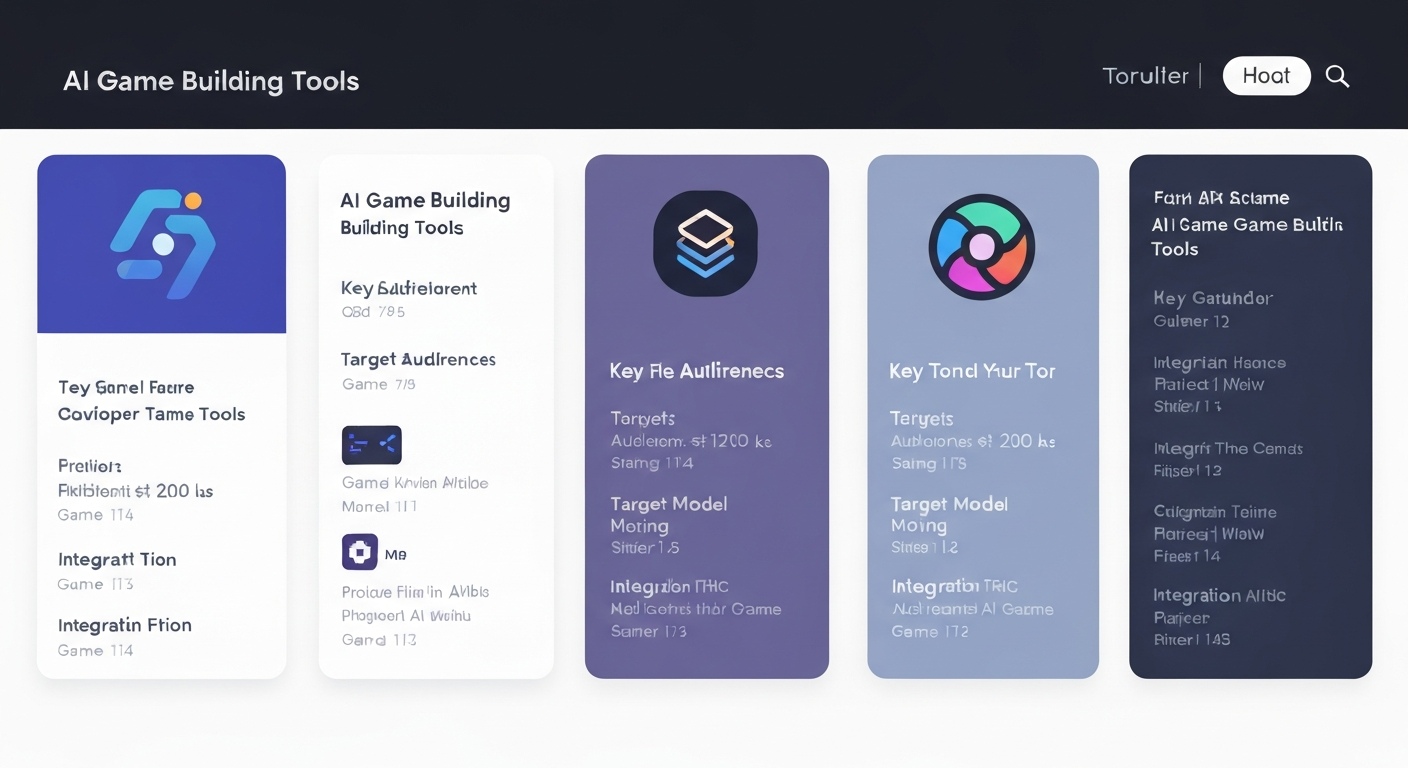
No responsible comparison should call one chat model the winner for every Roblox task. Game generation, in-place Studio editing, mobile prompting, code review, asset creation, and playtest automation are different workflows. This guide compares the workflow you actually get rather than ranking tools on vague “AI quality.”
Quick comparison
| Workflow | Best starting point | Main limitation |
|---|---|---|
| Obby | Prompt to playable browser scaffold and Studio export | Final Studio review, testing, and publishing still matter |
| Roblox Assistant | Native help inside an open Studio project | You still direct and review the project |
| Roblox Studio MCP | Agent-assisted inspection, edits, Luau execution, and playtests | Requires a trusted compatible client and careful review |
| Roblox Build | Official mobile prompt-to-game creation | Access varies by country, device, age check, and account |
| ChatGPT or Claude | Explanations, architecture, debugging, and code drafts | No project context unless you provide or connect it |
| GitHub Copilot with an editor workflow | Inline completion while coding outside Studio | Requires an external editor and project sync workflow |
1. Obby: best for a complete playable starting point
Best for: Turning one game description into a connected project you can preview and continue in Studio.
- Starts from a game loop instead of an isolated script request
- Connects the world, code, UI, and gameplay systems in one scaffold
- Lets you preview in the browser and export an editable Roblox Studio project
- Supports iterative requests such as changing stages, rewards, or mechanics
This is the shortest route for a beginner who wants something playable before learning every Studio panel. It does not remove the release work: inspect the scripts, test multiple clients and devices, confirm saved progress, and follow the current publishing rules. See the AI Roblox game builder workflow or start a project.
2. Roblox Assistant: best native Studio helper
Best for: Creators who already work in Studio and want Roblox-native context.
- Can explain and modify scripts and the Studio data model
- Can execute Luau, generate materials or 3D assets, and help automate playtests
- Works where your instances, properties, and Roblox APIs already live
Assistant is a better fit than a blank chat window when the task depends on the open place. Give it one bounded objective, inspect every edit, and test the result yourself. Roblox describes the current capability set in its AI accelerated workflows documentation; our Roblox Studio AI guide covers the practical workflow.
3. Roblox Studio MCP: best for an agentic build-test loop
Best for: Connecting a trusted AI coding client directly to the place open in Studio.
- Explores the data model and searches or edits scripts
- Runs Luau and starts or stops playtests
- Reads console output, captures the viewport, and simulates input
- Supports iterative inspection, implementation, and evidence gathering
The built-in MCP server is powerful because the agent has real project context, but that access raises the stakes. Connect only clients you trust, work from a backup or source-controlled project, and review changes before saving or publishing. Follow the Roblox Studio MCP setup and safety guide.
4. Roblox Build: best official mobile workflow
Best for: Eligible creators who want to prompt, playtest, share, and publish from the Roblox mobile app.
- Uses chat to generate and refine simpler game formats
- Includes playtesting, private sharing, and in-app publishing
- Starts with a free daily AI allowance; optional extra usage can cost Robux
As of August 31, 2026, Roblox documents initial testing on Android and iOS mobile devices in New Zealand for age-checked accounts set to age 9 or older. Availability varies by country and account. Check the dated Roblox Build guide before planning around it.
5. ChatGPT or Claude: best for explanations and focused code work
Best for: Learning Luau, planning systems, reviewing pasted code, or debugging a specific failure.
General chat tools are flexible and easy to question, but a normal conversation does not automatically know your Explorer hierarchy, existing remotes, server/client boundaries, or current API usage. Supply the relevant code, object paths, expected behavior, and exact error. Ask for a test plan along with the patch. For a deeper comparison, use the AI for Roblox scripting guide.
6. GitHub Copilot plus an editor workflow: best for inline completion
Best for: Developers who already edit source in VS Code or another supported editor and sync it into Roblox projects.
Copilot is an editor coding assistant, not a native Roblox Studio integration. It can accelerate repetitive code and small edits, but you need a separate project workflow such as Rojo, plus Studio for engine behavior and playtesting. Never accept a completion simply because it compiles; validate remotes, DataStores, permissions, and client-supplied values on the server.
Which Roblox AI workflow should you choose?
- You want a playable first version: start with Obby, then finish and publish in Studio.
- You already have an open Studio project: use Assistant for native help or Studio MCP for a trusted agent workflow.
- You only have a supported phone or tablet: check Roblox Build eligibility; use a browser scaffold if the tab is unavailable.
- You are learning or debugging one system: use a general chat tool with the relevant code and a precise test case.
- You maintain source outside Studio: use editor completion with a proper sync, review, and test loop.
The strongest workflow is often hybrid: generate a bounded scaffold, understand the code, use an AI assistant for one change at a time, and verify every important behavior in Studio. AI can compress setup and iteration; it cannot replace game design, security review, multiplayer testing, or release judgment.