Can You Make a Roblox Game on Mobile?
Yes, on some supported accounts and devices. Roblox Studio still requires Windows or macOS, but Roblox launched Build, an official mobile-first AI creation tab that can generate, playtest, share, and publish games inside the Roblox app. As of August 31, 2026, Roblox documents initial testing on Android and iOS mobile devices in New Zealand for age-checked users 9 and older. Availability varies by country, so many creators will not see the tab yet.
Method 1: Use Roblox Build (Official, Limited Rollout)
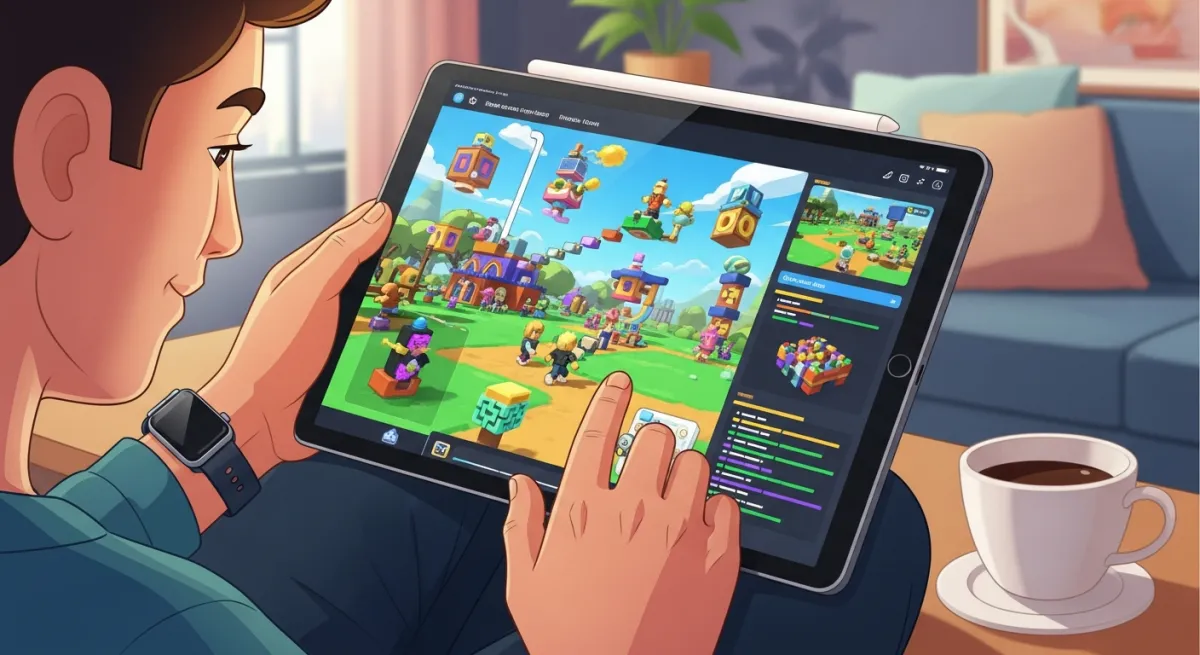
If the Build tab appears in your Roblox app, you can describe a game, let the AI create it, playtest, refine it through chat, share a private test link, and publish after Roblox's safety check.
- Update and open the Roblox app on a supported Android or iOS mobile device
- Tap the Build tab
- Complete the age check when prompted
- Describe one focused game loop
- Playtest and request one change at a time
- Share privately, then publish when the loop works
Build availability varies by region and can change quickly. Read our current Roblox Build guide and verify the latest requirements on Roblox Support.
Method 2: Use a Browser AI Game Builder
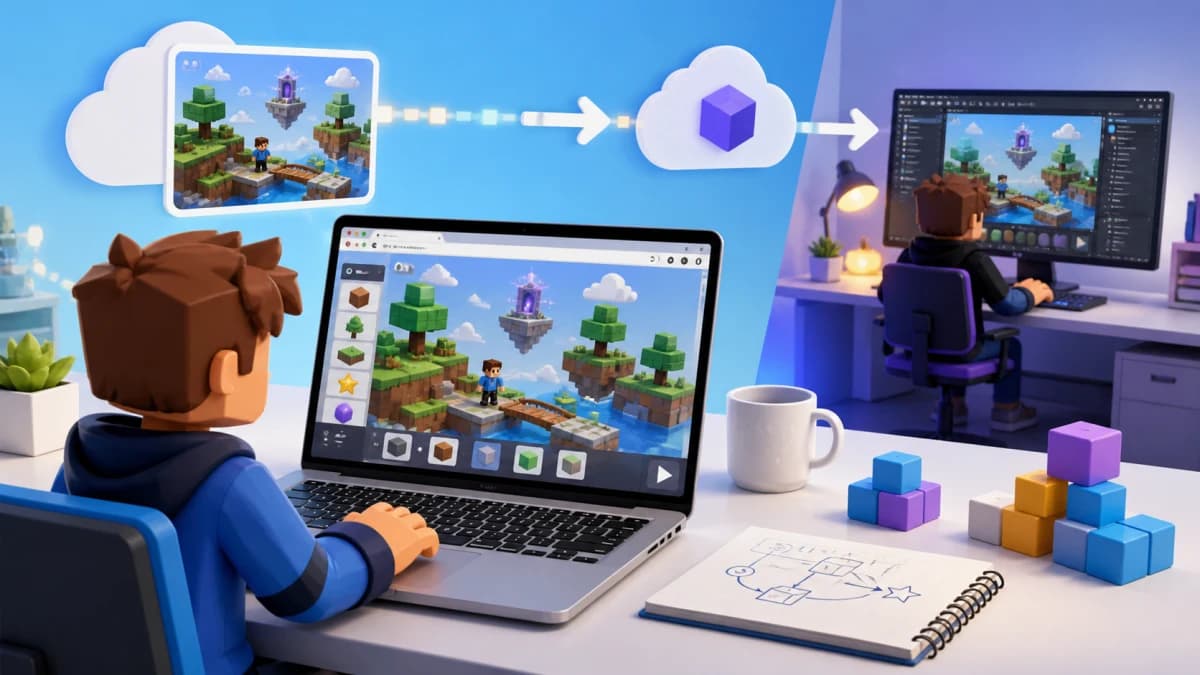
The fastest way to make a Roblox game from mobile is using browser-based AI tools. Obby works in any mobile browser — Safari, Chrome, or whatever your device runs.
Here's how:
- Open obby.fun in your mobile browser
- Sign in with Google
- Describe your game: "A neon tower obby with checkpoints and a boss fight"
- Preview the game in your browser
- Export a .rbxlx file
- Transfer to a PC/Mac and open in Roblox Studio to publish
This browser workflow is useful when Roblox Build is not available on your device or in your region. Obby handles the first scaffold and preview; a PC or Mac running Studio is still needed for the final Obby export and publishing path.
Method 3: Remote Desktop to a PC
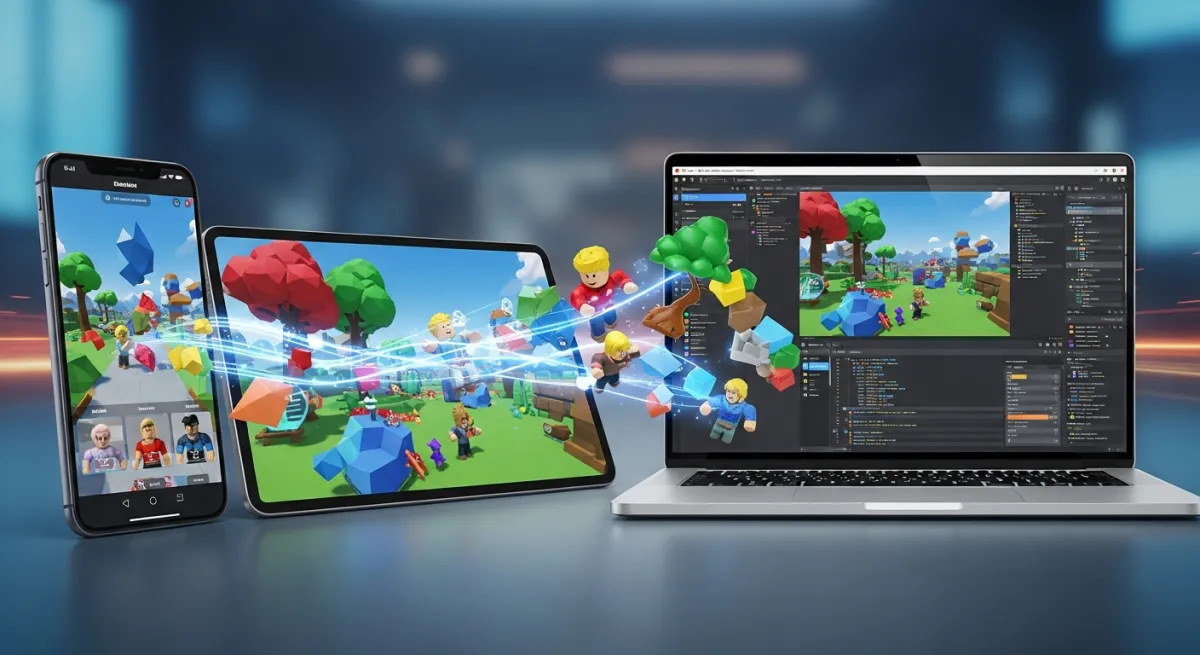
If you have a PC or Mac available, you can control it remotely from your mobile device:
- Chrome Remote Desktop (free) — control your PC from any device with Chrome
- Parsec — low-latency remote desktop, good for graphics-heavy apps
- Steam Link — if you have Steam installed
- Microsoft Remote Desktop — built into Windows
This lets you control Studio running on the host computer from your tablet or phone; it does not install or run Studio locally. The small screen, latency, and touch controls make detailed work difficult, so a Bluetooth keyboard and mouse can help.
Making Games on iPad Specifically
If Roblox Build appears in the current Roblox app for your iPad and account, use the same prompt, playtest, and publish flow described above. If the Build tab is missing, use this browser-to-Studio handoff:
- Design on iPad — use Obby to create and iterate on your game in Safari
- Transfer the file — email yourself the .rbxlx or save to iCloud/Google Drive
- Publish from a PC — open the file in Roblox Studio and click Publish
Build is not Roblox Studio for iPad. Complex code review, device emulation, plugin work, and detailed world editing still belong in Studio on Windows or macOS.
Making Games on Chromebook
Chromebooks cannot run Roblox Studio natively. Browser scaffolding and remote access to a Windows or Mac you control are the reliable workflows; unofficial Linux, Wine, or APK tutorials are not supported Studio installation paths. See the dedicated Roblox Studio on Chromebook guide for the complete options and safety checklist.
What You Can't Do on Mobile
Be honest about limitations:
- Publishing depends on the workflow — eligible Build users can publish in the app; Obby exports still continue through desktop Studio
- No detailed terrain editing — Studio's terrain tools require desktop
- No plugin support — Studio plugins only work in the desktop app
- Less control than Studio — mobile and browser creation are best for the first loop; complex debugging and polish still benefit from Studio
The Best Mobile Workflow
For 2026, the most practical mobile game development workflow is:
- Check Roblox Build — use the official in-app path if your account and device are eligible
- Use a browser alternative if needed — create and preview with Obby when Build is unavailable
- Move to Studio for control — use desktop Studio for detailed editing, testing, and any export-based publishing workflow