You Can Build Your Own Roblox Game — Here's How
Every game on Roblox was built by someone just like you. The platform's biggest hits — Adopt Me, Brookhaven, Blox Fruits — all started as one person's idea in Roblox Studio. In 2026, building your own Roblox game is more accessible than ever, whether you code or not.
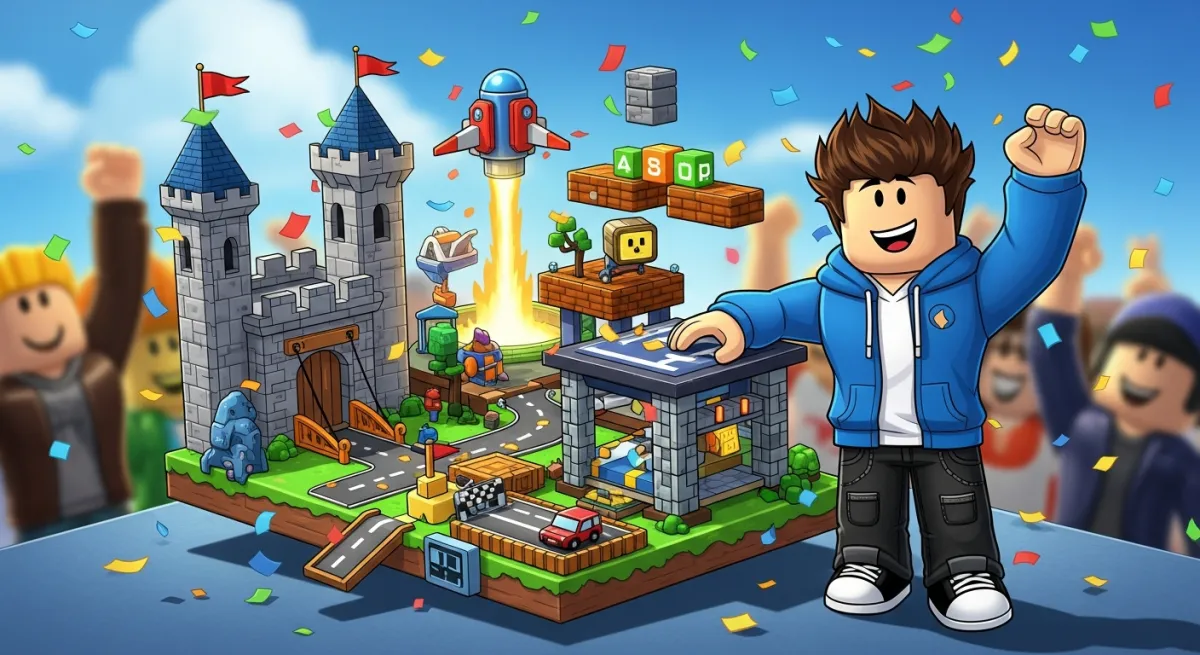
This guide covers everything you need to build your own Roblox game, from picking a genre to publishing for millions of players.
Step 1: Choose Your Game Type
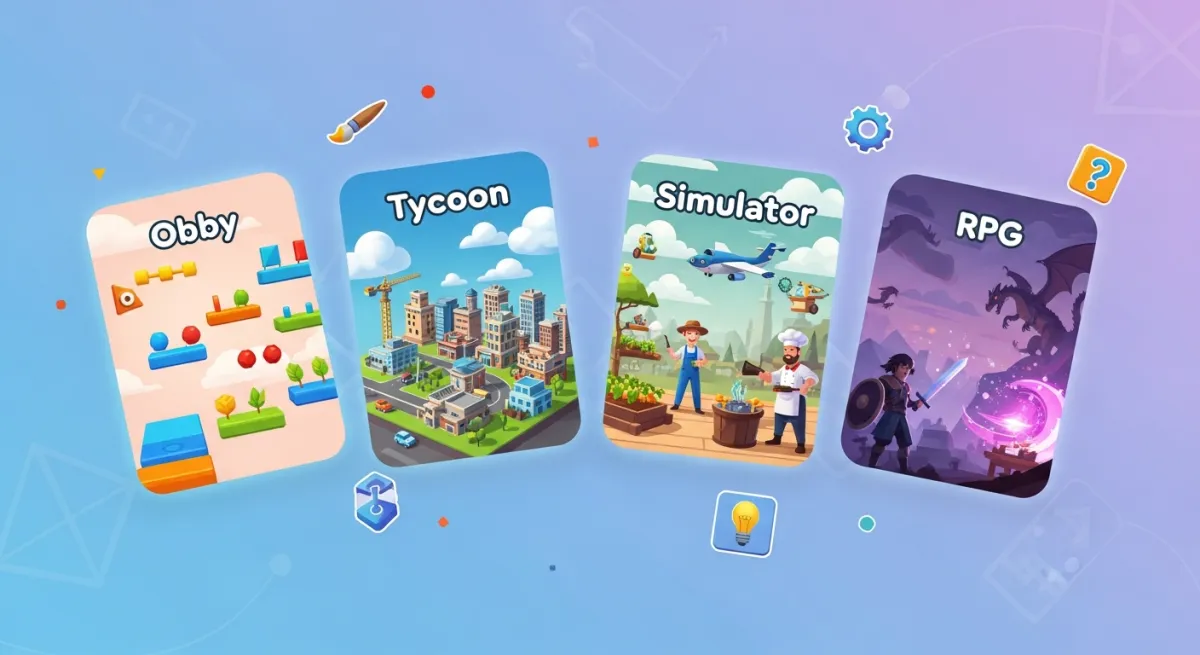
The most successful Roblox games fall into proven genres:
- Obby — obstacle courses. Simple to build, always popular. Great first game.
- Tycoon — build and manage a business. Addictive progression loops keep players coming back.
- Simulator — click/tap to earn, upgrade, repeat. Pet simulators, mining simulators, fighting simulators.
- RPG — quests, combat, leveling. More complex but highly engaging.
- Roleplay — social games with houses, jobs, and vehicles.
If this is your first game, start with an obby or tycoon — they have well-understood mechanics and are quick to build.
Step 2: Set Up Roblox Studio
Download Roblox Studio (free). Log in and choose a template or start from a Baseplate. Spend time learning the interface:
- Explorer — your game's object hierarchy
- Properties — edit any object's settings
- Toolbox — free community assets
- Script editor — write Luau code
- Test play — press F5 to playtest instantly
Step 3: Build the World
Use Parts and Models to create your game's environment. For a tycoon, build the starting area, droppers, and upgrade stations. For an obby, create obstacle stages with increasing difficulty.
Leverage the Toolbox for free models — don't build everything from scratch. Just make sure to check imported models for malicious scripts.
Step 4: Add Game Logic
Scripts make your game interactive. Roblox uses Luau for scripting. Key systems you'll need:
- Leaderboards — display player stats
- Currency/progression — reward players for playing
- Game passes — monetize with premium features
- Data saving — save player progress between sessions
Step 5: Build Your Own Tycoon (Example)
Since tycoons are incredibly popular, here's the core loop:
- Player claims a tycoon plot (button on a pad)
- A "dropper" spawns items on a conveyor belt
- Items reach a collector that converts them to cash
- Player buys upgrades (better droppers, decorations, new areas)
- Rebirth system resets progress for permanent multipliers
This loop is simple to understand and highly addictive — which is why tycoons dominate Roblox.
Step 6: Test and Polish
- Playtest from a player's perspective — is the first minute engaging?
- Check for bugs using the Output window
- Test with multiple players using Studio's team test feature
- Get feedback from friends before publishing
Step 7: Publish and Grow
Go to File → Publish to Roblox. Create an eye-catching icon and thumbnail. Write a description with relevant keywords. Share on social media, Discord communities, and Roblox forums.
The Shortcut: Build with AI
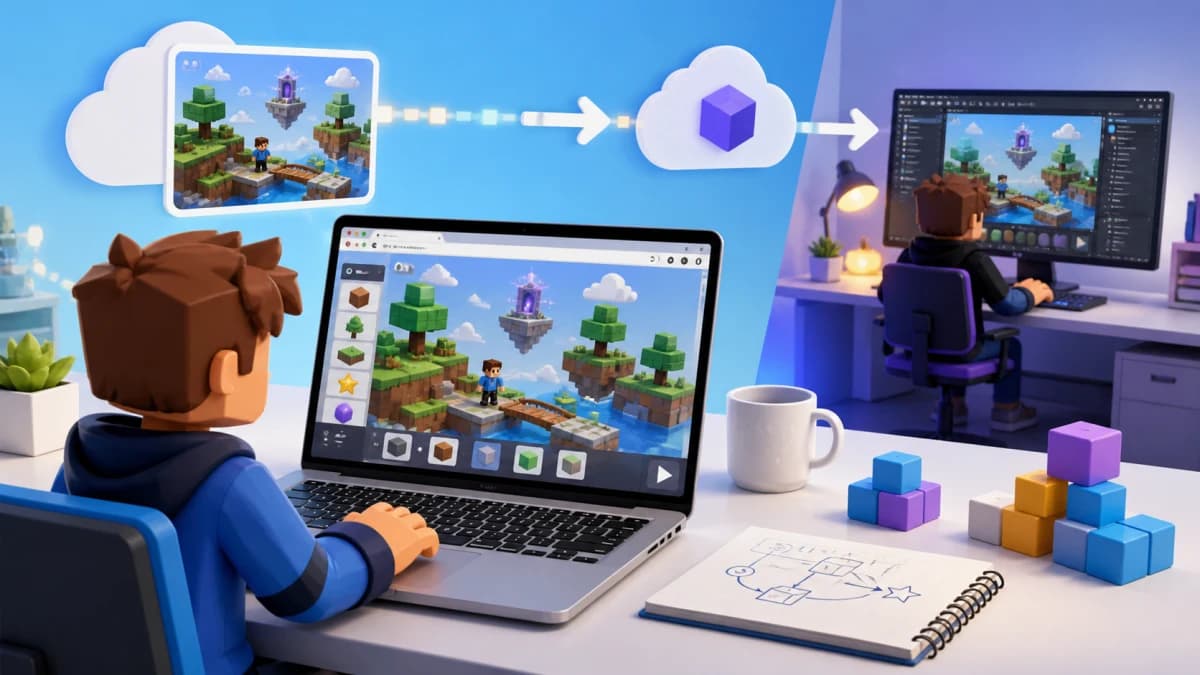
Don't want to spend weeks learning Studio and Luau? Obby lets you describe your game in plain English and generates it for you — complete with scripts, 3D world, and game logic. Build your own tycoon, obby, or simulator in minutes instead of months.