Horror Is One of Roblox's Most Engaging Genres
Games like Doors, The Mimic, and Piggy prove that Roblox horror games can be genuinely terrifying — and massively popular. Horror games tend to have high engagement, lots of YouTube/TikTok content, and strong word-of-mouth growth. Here's how to make one.
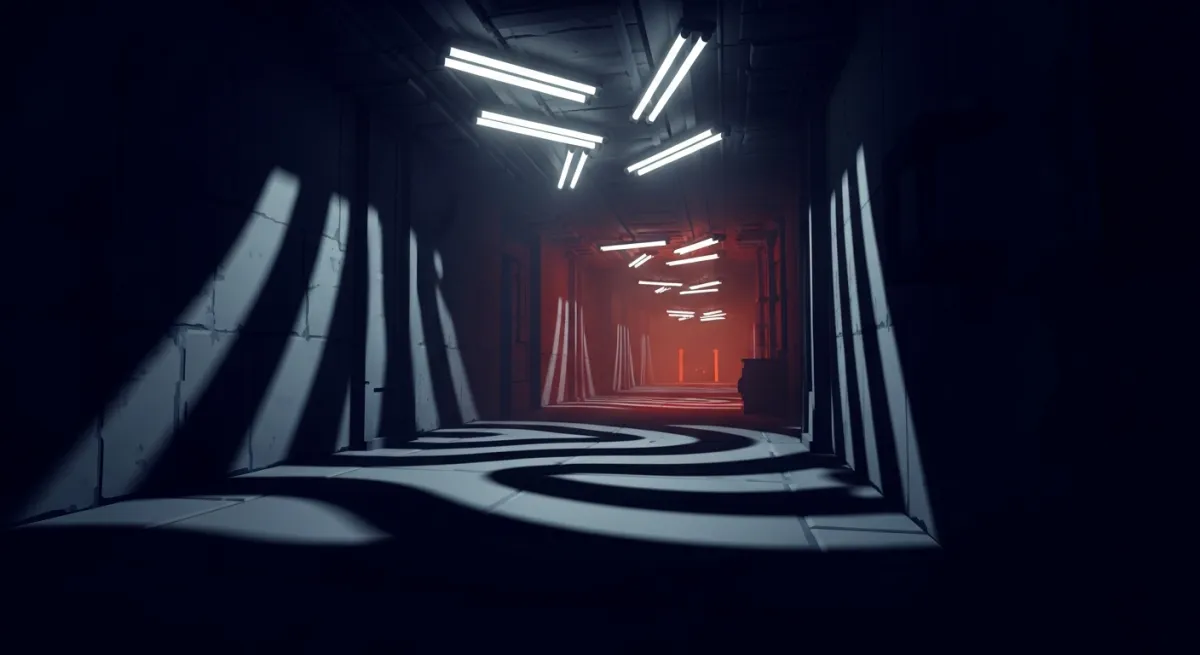
Choose one small premise from the horror concept guide, then prototype a single threat and escape route before expanding.
The Key Elements of a Great Roblox Horror Game
- Atmosphere — lighting, sound, and environment create dread
- Threat — an entity or danger the player must avoid
- Tension cycle — build-up and release of fear
- Player agency — the ability to hide, run, or fight back
- Unpredictability — randomized elements so players can't memorize the scares
Step 1: Master Lighting
Start with the current realistic lighting workflow to compare one scene using LightingStyle, readable shadows, and target-device checks.
Lighting is the single most important element in horror. In Roblox Studio:
- Set Lighting.Ambient to near-black:
Color3.fromRGB(10, 10, 15) - Reduce Brightness to 0.5-1 (default is 2)
- Use FogEnd at 100-200 studs to limit visibility
- Add PointLights sparingly — each light source should feel intentional
- Use ColorCorrectionEffect for desaturated, cold tones
- Add BloomEffect subtly for eerie glow around light sources
The goal: players should barely see what's ahead. Darkness creates fear.
Step 2: Design Sound
Sound is 50% of horror. Players with headphones should feel uneasy:
- Ambient sound — constant low drone, distant creaks, wind
- Footsteps — the player's own footsteps should be audible and eerie
- Entity sounds — breathing, growling, or music that indicates danger
- Silence — sometimes the scariest moment is when all sound stops
- Jump scare audio — loud stinger for scare moments (use sparingly)
Find atmospheric cues with the Creator Store audio search guide, or prepare an original recording with the audio upload guide. For a sound that comes from a door or entity, use a positional audio path: AudioPlayer feeds AudioEmitter through a Wire, while an AudioListener feeds AudioDeviceOutput through another Wire. Set and test the listener location and distance attenuation. Roblox’s current audio-object guide explains the setup and recommends modular audio objects for new work.
Test one creak at a comfortable volume. Walk toward and away from its source, turn the camera, and confirm that its position and loudness support the scene. Then check it against your ambient track. Give players a useful cue about the threat without making every sound compete for attention.
Step 3: Create the Environment
Horror environments that work well in Roblox:
- Corridors — long hallways with doors (like Doors)
- Abandoned buildings — hospitals, schools, houses
- Forest/outdoor — dark woods with limited visibility
- Liminal spaces — familiar places that feel wrong (like 3008/Backrooms)
Add environmental storytelling — scattered papers, overturned furniture, bloodstains. These details build narrative without exposition.
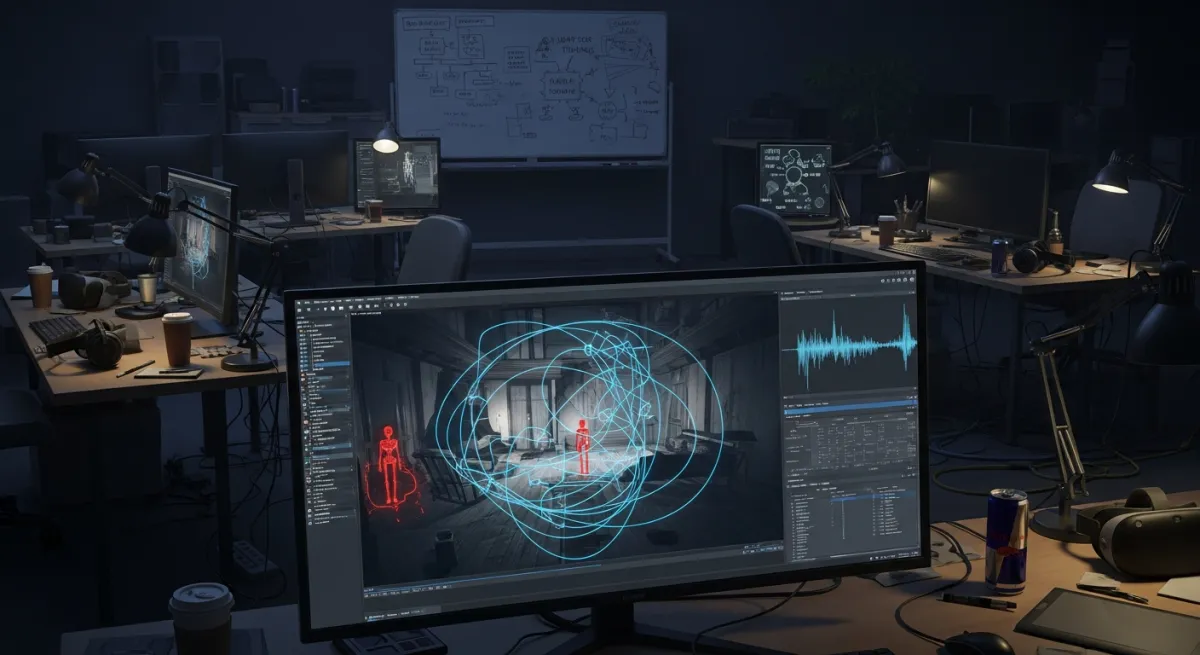
Step 4: Build the Enemy AI
Your horror entity needs behavior that feels unpredictable:
- Patrol mode — entity wanders predefined waypoints
- Alert mode — entity investigates sounds or sightings
- Chase mode — entity pursues the player at high speed
- Kill mechanic — what happens when caught (respawn, game over, damage)
Use PathfindingService for AI navigation. Randomize patrol routes so the entity isn't predictable.
Step 5: Add Player Mechanics
Give players ways to interact with the threat:
- Hiding — closets, lockers, under beds (disable player visibility)
- Running/stamina — sprint with a cooldown creates tension
- Items — flashlight (battery drains), keys, tools
- Puzzles — solve to progress while the entity hunts you
Step 6: Design Jump Scares (Carefully)
Jump scares work best when:
- They're earned — build tension first, then release
- They're rare — too many and players become numb
- They have consequences — the scare should mean danger, not just noise
- Some are fake-outs — build tension then nothing happens, making the real scare worse
Step 7: Add Procedural Elements
The best horror games are scary on replay. Add randomization:
- Randomize which rooms have threats
- Vary entity spawn locations and patrol routes
- Randomize item placements
- Change the environment slightly each playthrough
Generate a Horror Game with AI
Want a working horror game fast? Obby can generate one from a description: "A horror game set in an abandoned hospital with a stalking entity, hiding mechanics, and procedurally placed keys to escape." Try it free.